

Sales
Research the account before the conversation.
Account research, personalized campaigns, LinkedIn follow-up, and CRM updates.
See the product connectionAIMEE for every teammate
Give each teammate an AIMEE that knows their role. Run it on their desktop or its own isolated cloud computer. Pass work from your agent to theirs, with the context and a clear owner.
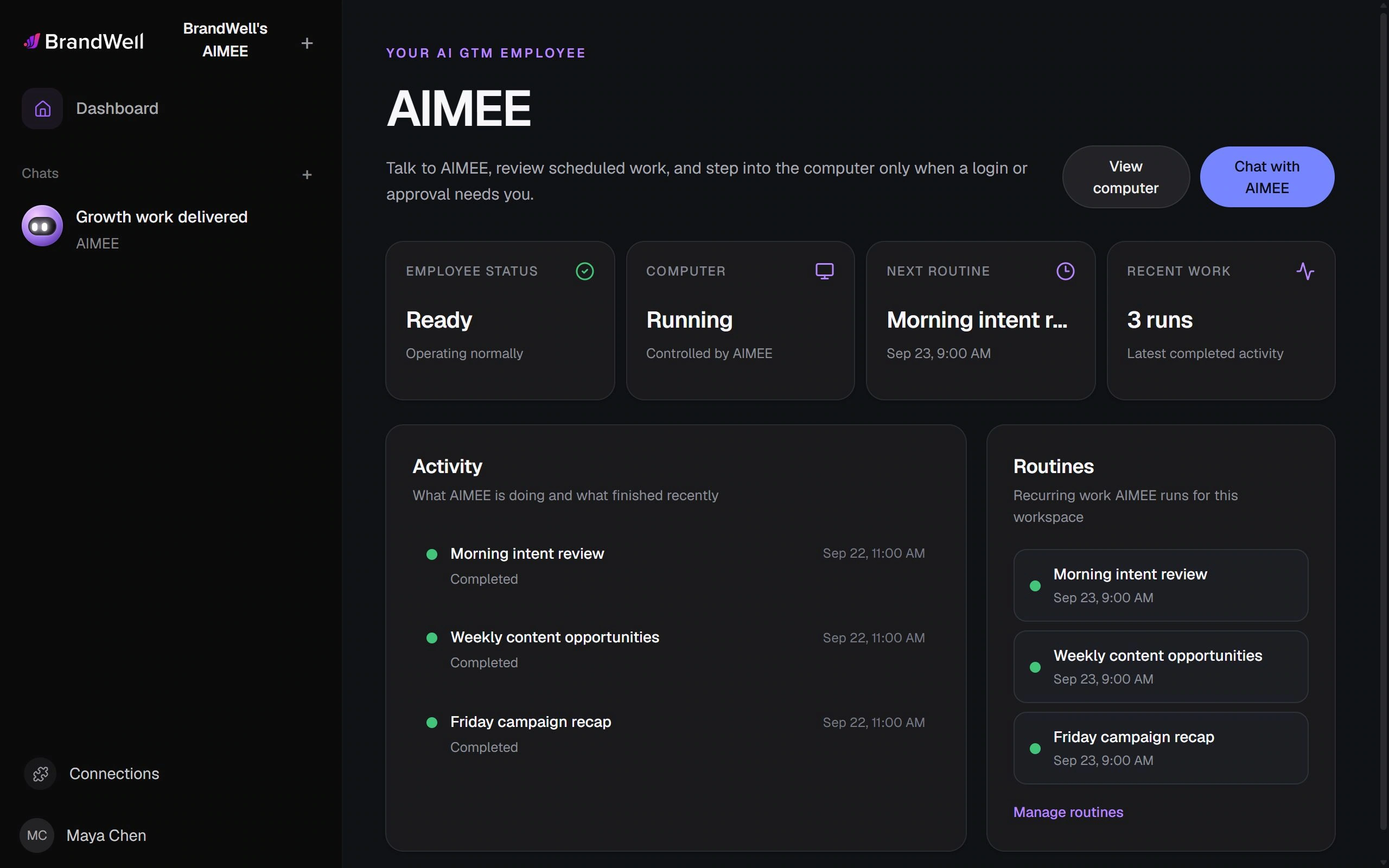
A sales teammate’s AIMEE should know how sales works. A content teammate’s agent should know the editorial standard. Give each agent the instructions, connected tools, and recurring work that fit the person it supports.
Sales
Account research, personalized campaigns, LinkedIn follow-up, and CRM updates.
See the product connectionContent
Research, RankWell articles, publishing on your site, and content promotion.
See the product connectionAccount management
Client research, visibility reviews, campaign summaries, and the next useful task.
See the product connectionGrowth operations
Run recurring campaigns, maintain clean records, coordinate agents, and measure the results.
See the product connectionA handoff with context
Assign a specific outcome. Include the source and the useful context. Let the receiving agent execute the task with the teammate’s tools, instructions, and working context.
Each agent can have its own history, routines, and role instructions.
Team membership and account roles determine which agent can receive work.
See when a task is queued, running, waiting for assistance, or ready for review.
AIMEE pricing / per teammate
Start with the AIMEE user included in your plan. Give more teammates their own agent, then choose where each agent works.
AIMEE for the initial user comes with every plan except MarketPulse Starter. Choose your growth products, then add the teammates you need.
On your teammate’s desktop
$49 / teammate / month
Give each teammate an agent that works from their own computer, with the AI subscription they already use.
Its own computer in the cloud
$149 / teammate / month
Give your teammate’s AIMEE a computer of its own, in a completely isolated cloud environment.
Prices are in USD. Local AIMEE uses your teammate’s computer and their connected AI account. ChatGPT and Claude subscription limits and OpenRouter usage charges apply separately.
Your first AIMEE user is included with every plan except MarketPulse Starter. Add local teammates for $49/month each, or choose a cloud computer for $149/month per teammate.
Yes. Start with a person or role, then expand the workflow to other teammates as useful.
No. Agent tools, account membership, project scope, and configured access control what can be used. Assignments do not automatically grant unrestricted access.
Keep the relevant human owner and configured action approvals in the workflow. Your team decides which actions need review and which recurring jobs can run under the configured rules.
Start with a recurring job your team already understands. Document the context, desired result, and review point, then give that repeatable work to the appropriate agent.
Build it your way.
Choose the products you will use. Let AIMEE connect the work.