Inside the BrandWell growth office, with a wall of signal monitors, a calling desk, and a glass conference room

AIMEE · Your AI growth employee

Find every buyer in your market. Reach them every day.

AIMEE learns your market from your site. She finds active buyers, identifies visitors, listens to social conversations, and creates content for Google and AI answers. She sets up cold email, calls prospects, connects on LinkedIn, mails qualified buyers, and takes your discovery calls.

Follow AIMEE through the day

Inside the office

See how AIMEE works.

Choose a station, then open a screen to inspect the capability at work.

Signal wall

See who’s in market.

Watch intent topics in MarketPulse, identify website visitors with TrafficID, and catch buying conversations with SocialStreams. Use the Lead Database to find more people who fit.

Switch product screen

Example workflow

Someone visits your pricing page twice. TrafficID gives AIMEE the visit history to qualify the account.
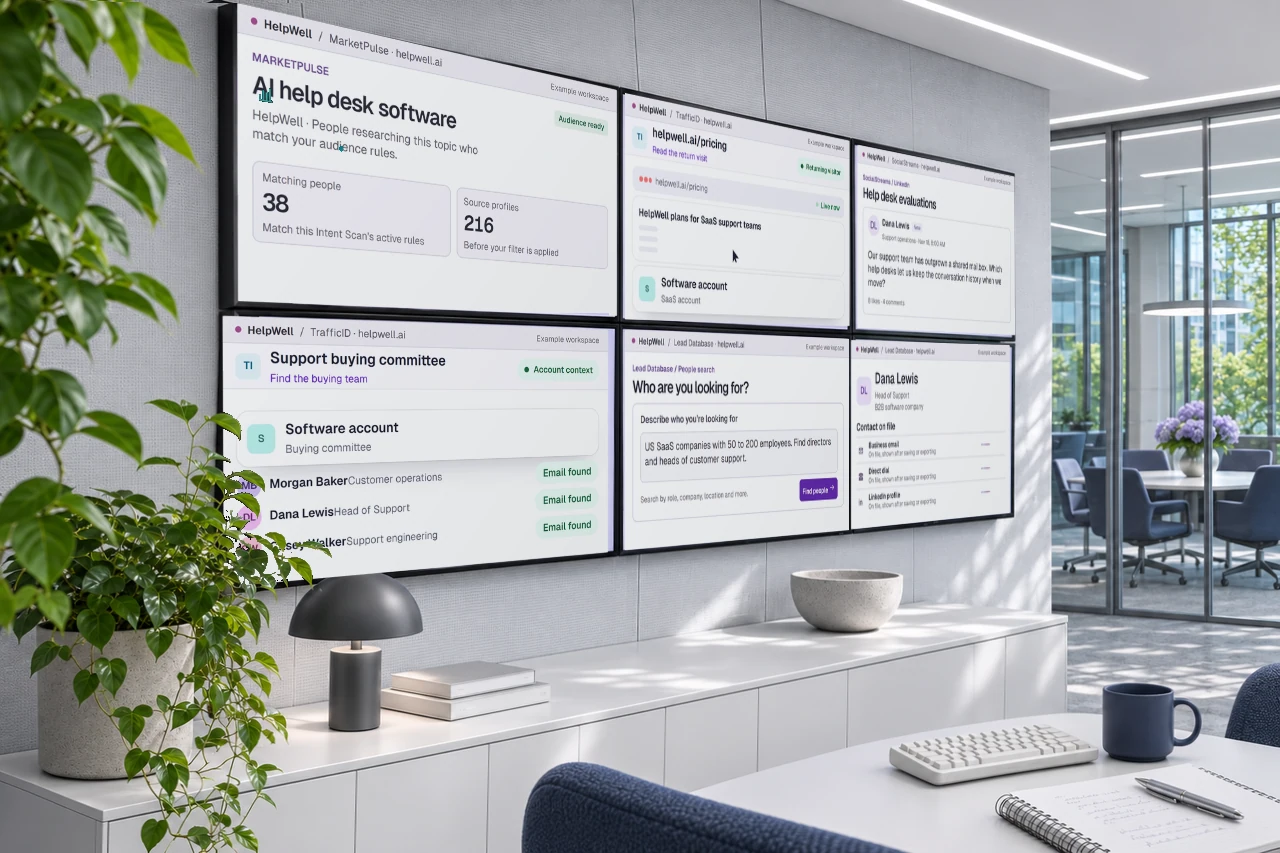
Wall of displays monitoring buyer signals in the growth office

Intent topics

Example
TopicPeopleLast scan
AI help desk software248Today
SaaS knowledge base186Today
SaaS email journeys94Yesterday
MarketPulseIntent topics

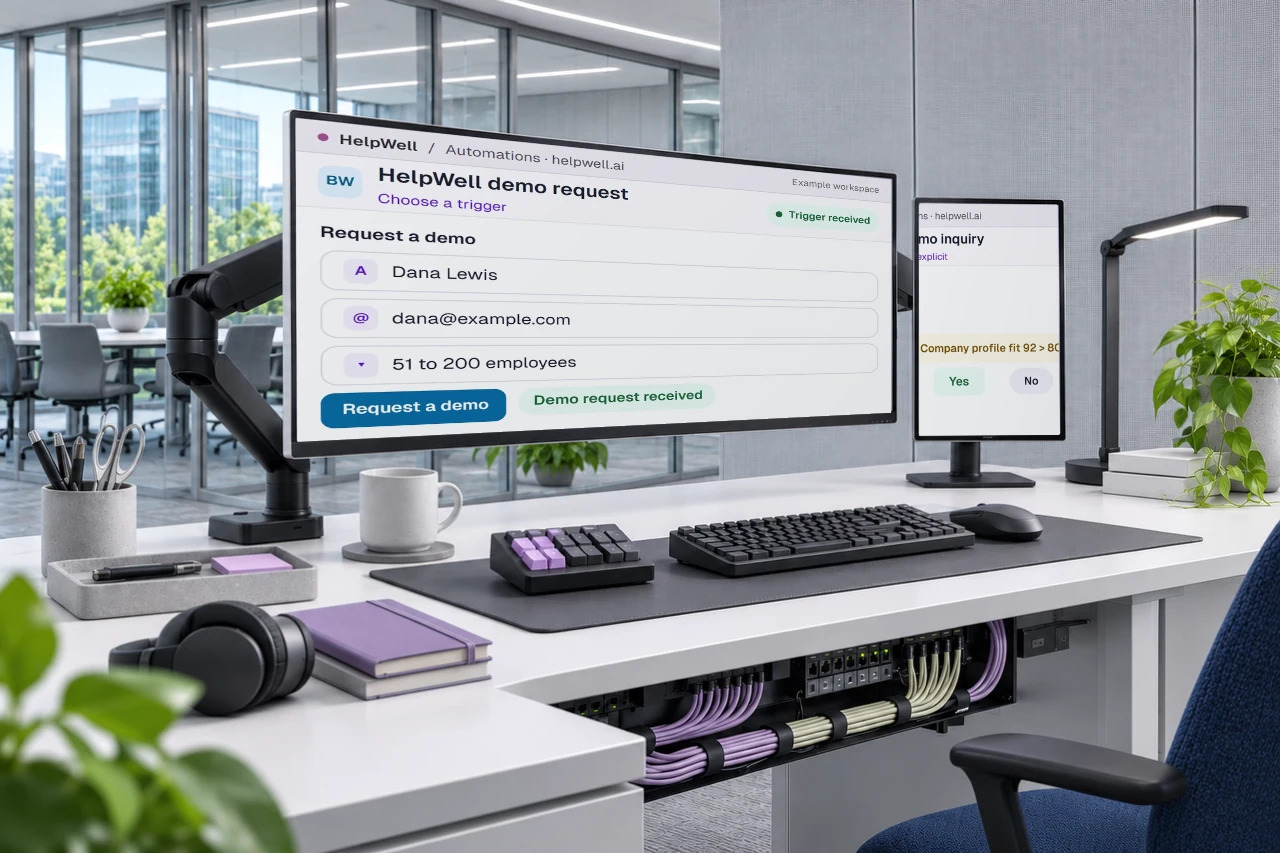
Automation desk

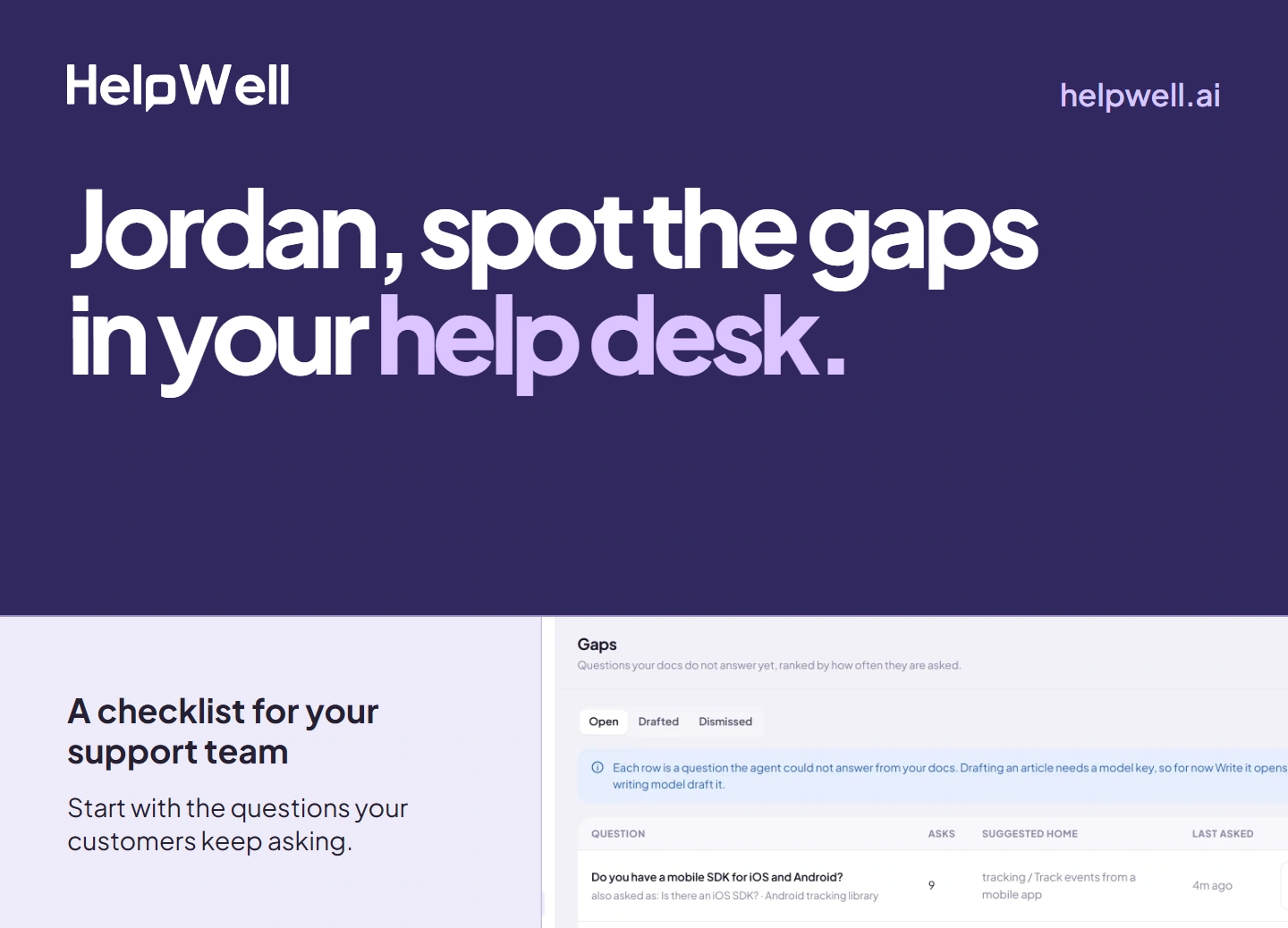
Put a signal to work.

Give AIMEE a trigger and a job. She can chain web scrapers, hard-to-find data from 40+ partners, social activity, and CRM actions across 15,000+ workflow endpoints.

Example workflow

When a new buyer matches, look up their company, enrich the contact, and send a qualified record to your CRM.

Operations workstation running automations
Workflow runs

Enrich new visitors

Running
2 of 3 steps complete
Web ScrapeCompany site returned as clean Markdown Done
LinkedIn Company PostsRecent public updates collected Done
Find a work emailMatching the visitor to a work address Running
AutomationsWorkflow run

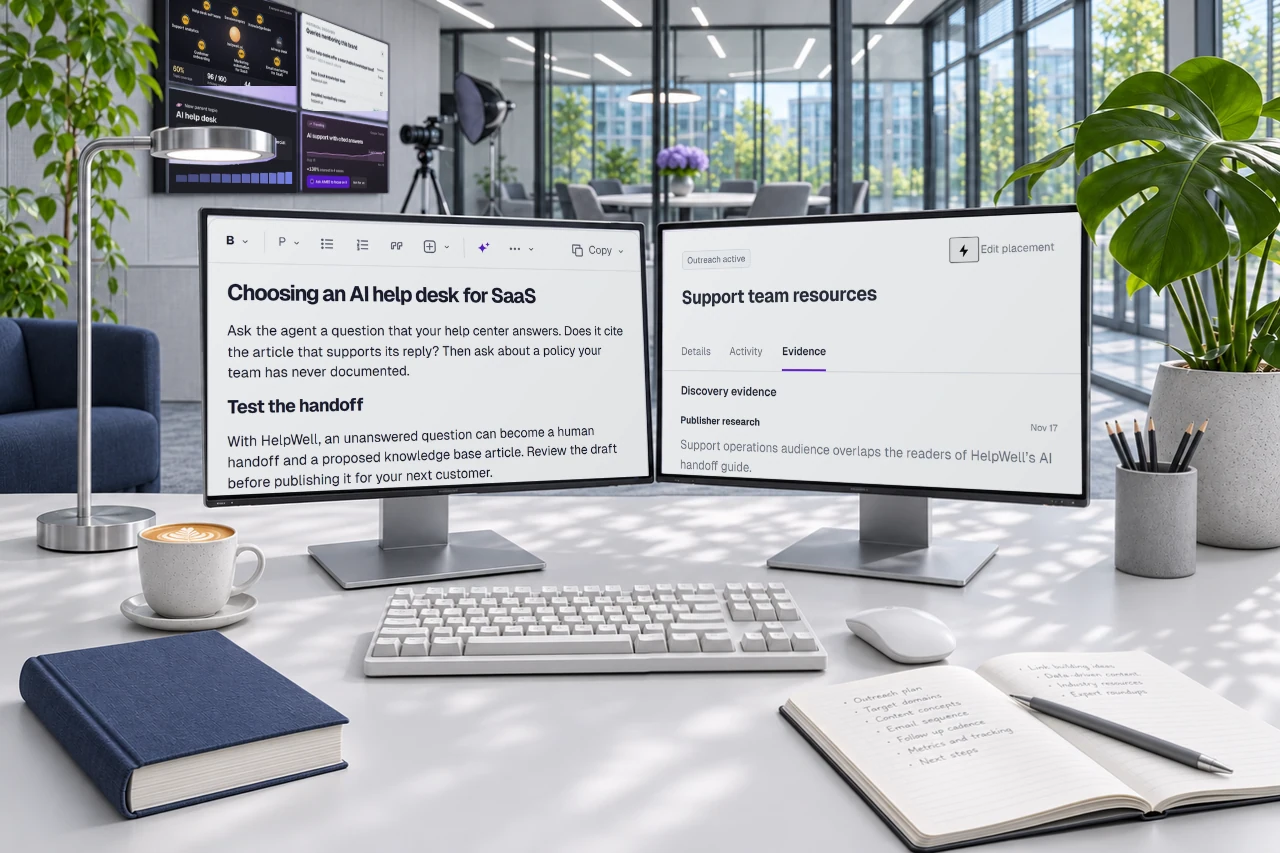
Get Found studio

Publish the answer. Earn the link.

One monitor holds the RankWell article and its search recommendations. The other tracks Link Builder campaigns, from publisher outreach to verified placements.

Switch product screen

Example workflow

Publish a guide that answers a buying question. Then find relevant publishers and track the links you earn.

Tour the RankWell studio
Two editorial monitors in the content and link building studio

Article editor

Example
Article draft
How to build a SaaS knowledge base

See how HelpWell turns an unanswered support question into a knowledge base update.

89
SEO score
RankWellArticle editor

Outreach desk

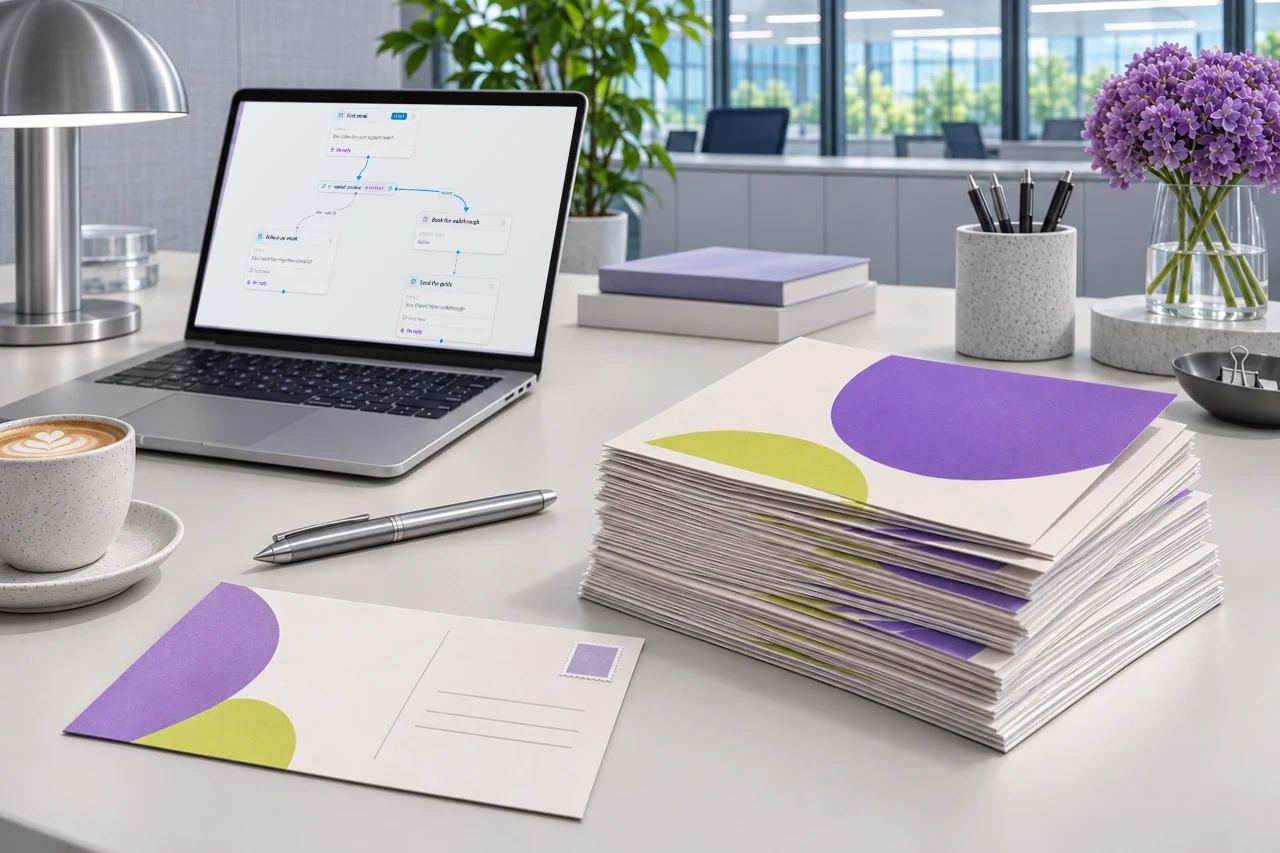
Reach the inbox. Or the mailbox.

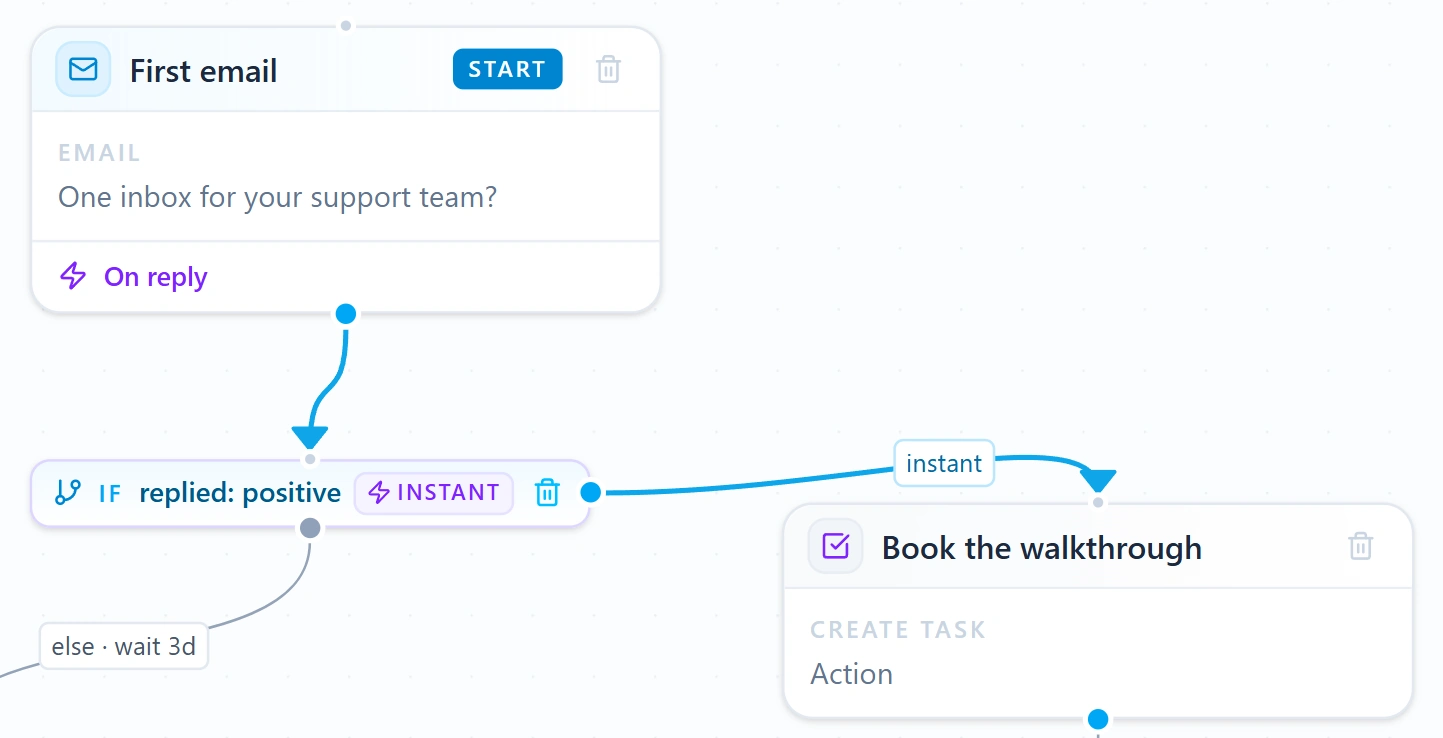
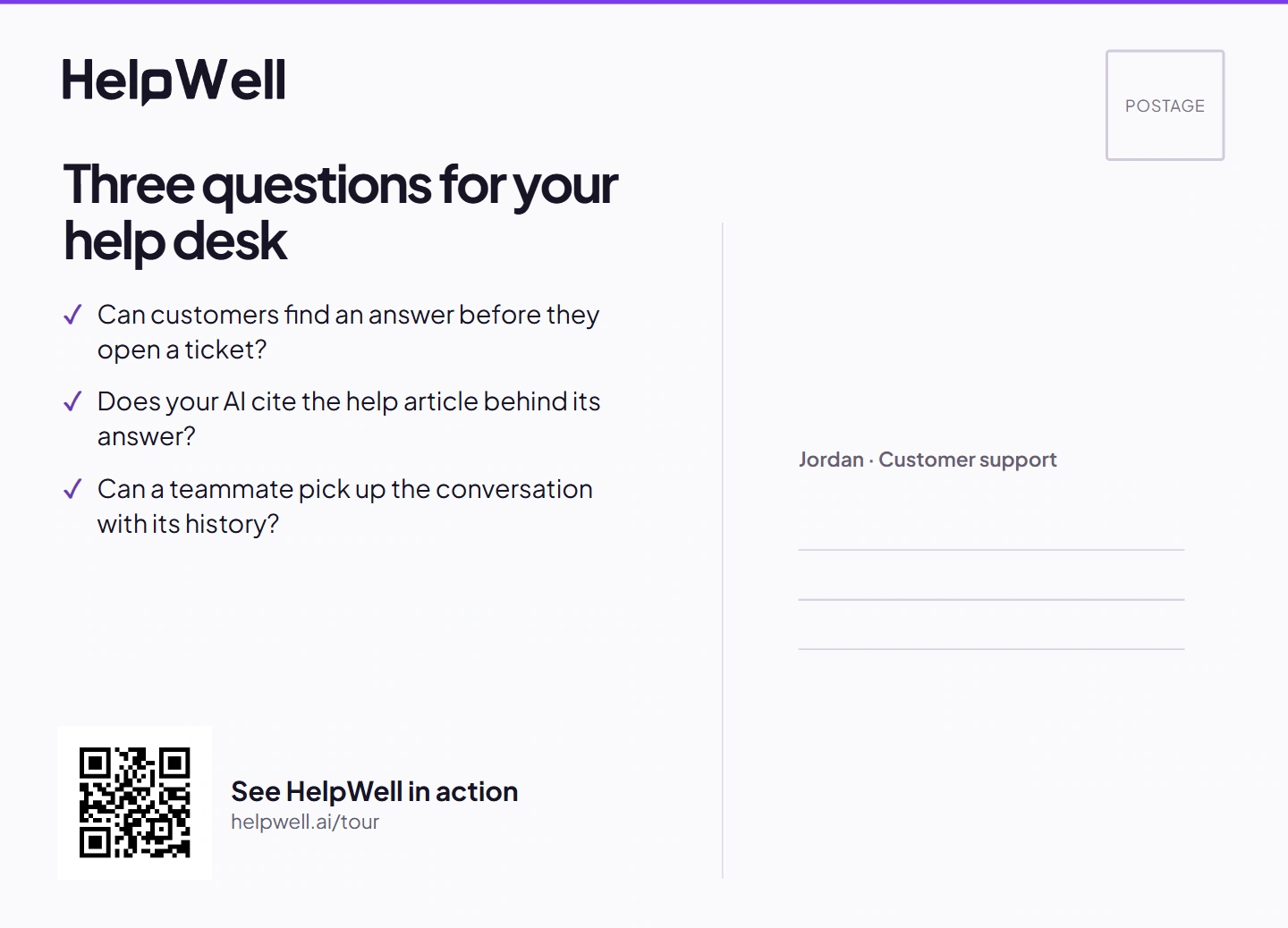
Outreach gives AIMEE Google and Microsoft inboxes, branching email campaigns, and positive reply forwarding. Built-in Direct Mail turns an eligible contact into a personalized postcard with a trackable QR code.

Switch product screen

Example workflow

Follow an email with a postcard. A QR scan gives AIMEE a new signal for the next touch.

Email workstation with a stack of printed postcards
OutreachEmail sequence

Call Center

Give your bot a phone.

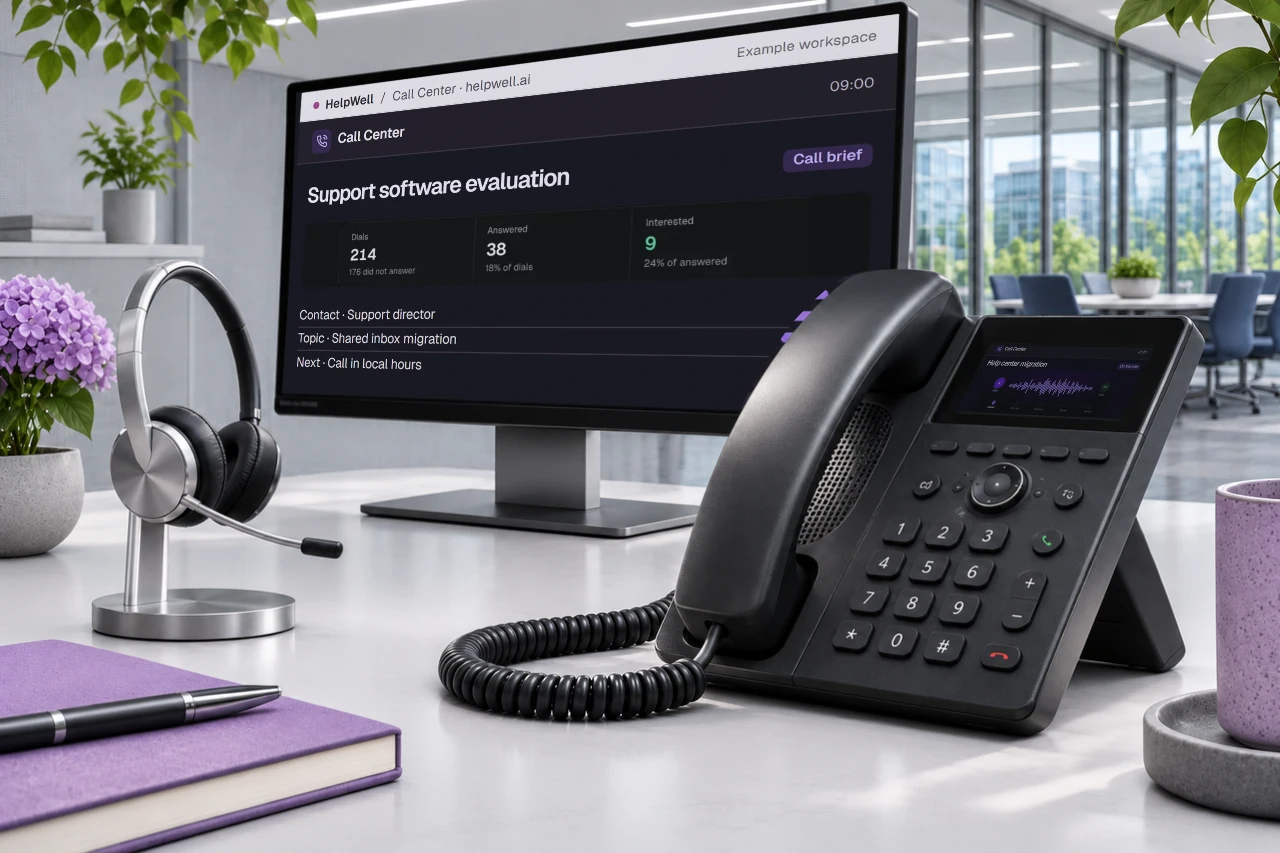
AIMEE can cold call a list using your number and playbook. Watch the conversation progress, review the outcome, and hand a warm call to your team.

Example workflow

A prospect asks for a walkthrough. The caller can book a meeting or hand the conversation to a rep.

Calling station with a desk phone and dialer display
Outbound call

Dana Ortiz

Live 01:34
AAIMEEDODana
OpenerQuestionsPriceThe ask
What AIMEE knowsCedar Labs
Previous outcomeCallback requested
Call CenterActive call

Conference room

Meet buyers face to face.

Put a LIVE Agent on your website. A visitor can ask a question, see a product demo, and book the next step in the same video conversation.

Watch LIVE Agent 1:18
Glass conference room with the LIVE Agent call on a wall-mounted screen
Maya in the LIVE Agent test call Test callMaya Sales guide
Website video agent In conversation
LIVE AgentWebsite sales call

The growth floor

A day in the life of your growth bot.

Watch four teammates put the same bot to work. Sales works the phones and inboxes while marketing finds buyers, earns links, and publishes the answers customers need.

9:00 AMExample workday
Four workstations on the growth floor

Alex

Sales development
Expand
Call Center: Work the morning call queue
Call CenterWork the morning call queue

Paul

Demand generation
Expand
Lead Database: Find the buyer behind the account
Lead DatabaseFind the buyer behind the account

Mandy

Content
Expand
RankWell: Compare the adjacent search queries
RankWellCompare the adjacent search queries

Sam

Sales
Expand
LIVE Agent: Prepare the website discovery room
LIVE AgentPrepare the website discovery room
Company Brain

Sales questions reach the content desk. Every teammate can use the same account history.

Build your bot once. Give it to your team.

Every teammate gets their own AIMEE with your chosen capabilities, Lead Database, intent data, and company context built in. Add a teammate for $49/month on desktop or $149/month on a dedicated cloud computer.

Build a Growth Bot

Connected data

42 data partners.
One growth bot.

Find and verify the people behind a buying signal. These partners bring contact, company, and market data into AIMEE’s work.

  • LeadFuze
  • AI Ark
  • Anymail Finder
  • Apollo.io
  • Aviato
  • BlitzAPI
  • BounceBan
  • CompanyEnrich
  • ContactOut
  • Context.dev
  • Crawl4AI
  • Dropcontact
  • Dropleads
  • Enrichlayer
  • Enrow
  • Fiber AI
  • Filtrat
  • Findymail
  • HarvestAPI
  • Hunter
  • Icypeas
  • Kitt AI
  • LeadMagic
  • LeadOcean
  • LeadsForge
  • LimaData
  • Lusha
  • MillionVerifier
  • MoltSets
  • Ocean.io
  • OrbiSearch
  • People Data Labs
  • PredictLeads
  • Prospeo
  • QuickEnrich
  • Scrubby
  • Sixtyfour AI
  • Sumble
  • The Companies API
  • Tomba
  • Wiza
  • ZeroBounce
Put 15,000+ tools to work.

Explore individual tools and ready-made workflows for research, scraping, social automation, and follow-up.

Explore Workflows

The screening room

Watch it work.
Then build yours.

Eleven screens, each playing a different product demo. Choose one to watch the full film with sound.

Build a Growth Bot

Desk screen

Product screenshot

Platform demo

Open video in a new tab

Product preview · Sample data

Product screen

The growth office

Look around

Drag to look around