


On this page
- Choose a meaningful segmentation question
- 1. Define the segment and the useful outcome
- 2. Gather the evidence for the message
- 3. Build the smallest useful content variation
- 4. Review delivery and data use
- 5. Measure a defined outcome
- Original examples: three useful variations
- Use current BrandWell tools for the approved work
- Maintain the versions
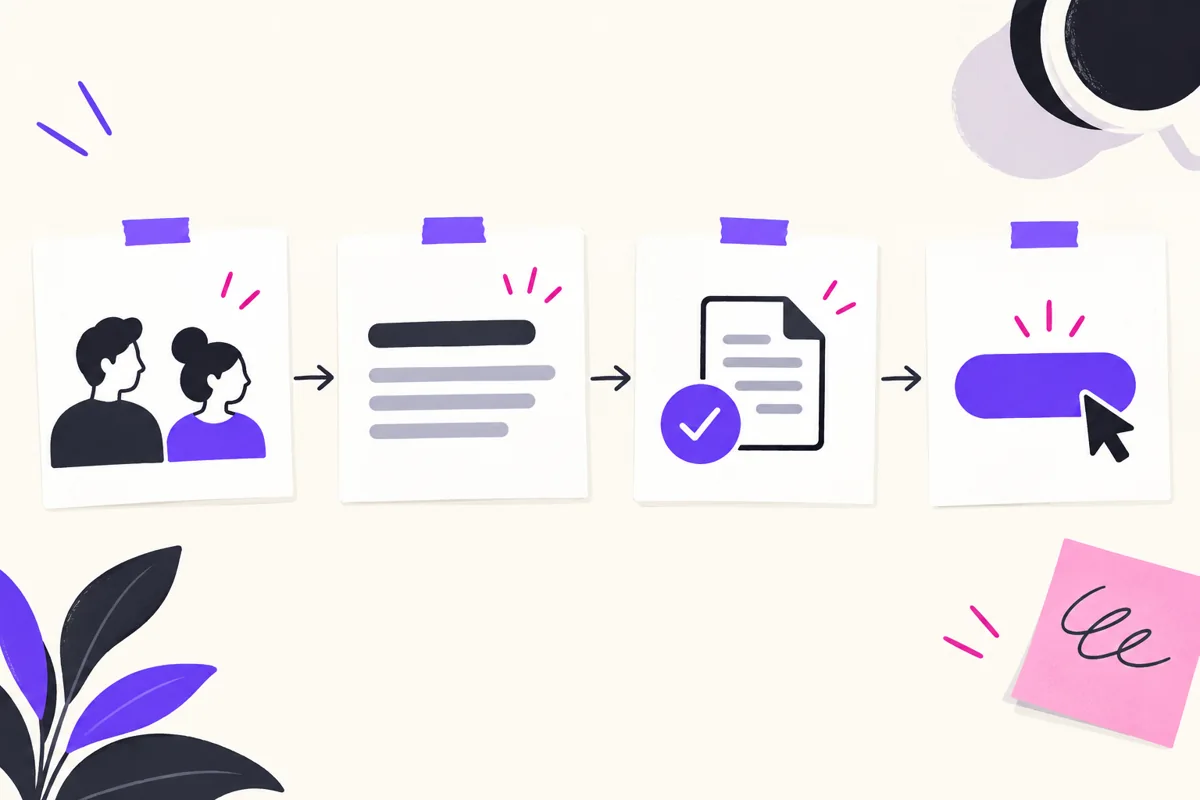
Granular content marketing means creating useful content for a specific audience task or situation rather than treating every reader as having the same needs. Choose segments that change the information a person needs, support the message with evidence and measure whether the content helps. More personalization does not automatically mean better results.
Choose a meaningful segmentation question
Start with differences that affect the task: responsibility, business problem, implementation stage or the decision being made. An administrator evaluating deployment may need different detail from an executive evaluating budget.
Use actual customer evidence where available. A persona is a planning aid, not proof that every person in an age group or industry shares a preference. Avoid collecting unrelated personal details simply to make a message seem more specific.
1. Define the segment and the useful outcome
Write a clear brief naming the reader, question and next step. Decide what information must differ from the general page. If the only change is an industry label in the headline, investigate whether the page contributes enough value to justify a separate version.
For a service audience, useful differences might include project responsibilities or delivery constraints. For a product audience, they might include setup requirements or the decision criteria needed before a purchase.
2. Gather the evidence for the message
Use documented product behavior, reliable research and your team’s actual expertise. Link evidence near the claim it supports. Do not label a familiar brand’s personalization feature as a proven revenue case study without the relevant evidence.
The FTC’s advertising guidance emphasizes truthful claims and substantiation. A more tailored message still needs support for what it promises.
3. Build the smallest useful content variation
Choose what helps the reader: a specific example, an implementation checklist, a relevant demonstration or a clearer explanation of scope. Keep common product facts consistent across versions.
A variation should not invent experience, customer results or availability. If a feature depends on a plan or configured integration, explain that context where it matters to the decision.
4. Review delivery and data use
Check where the content appears, the source of the segmentation information and whether the audience is eligible for the campaign. A profile field is not proof of permission for every outreach channel.
Keep private contact information out of inappropriate analytics destinations. Google Analytics’ PII guidance explains information that must not be transmitted there. Review URLs and event parameters as well as visible forms.
5. Measure a defined outcome
Record the audience, message version, observation period and intended action. Compare equivalent groups where possible. Separate a view, reply, qualified inquiry and purchase instead of treating each as the same conversion.
If several things changed at once, report that limitation. A higher conversion rate in a selected audience does not by itself show that the personalization caused the difference.
Original examples: three useful variations
- IT service audience: a project guide explains the inventory and responsibilities needed before a network move.
- Agency audience: a planning guide distinguishes work for the agency’s own business from the scope of a client deliverable.
- Software audience: an onboarding guide explains required inputs, configuration and approval before activating a workflow.
These are original planning examples, not named customer success stories. Each changes the practical information rather than promising that personalization guarantees engagement.
Use current BrandWell tools for the approved work
Use Visibility to investigate relevant search questions and RankWell to prepare and review content with the approved brief, sources and examples.

MarketPulse offers topic-based intent data with public plans starting at $500/mo. TrafficID provides identified website visitor context where available. These signals help prioritize investigation; they do not establish every person’s needs or permission.
AIMEE can help prepare approved tasks through configured tools. Available execution depends on configuration and access. Keep a reviewer responsible for factual claims and publication.
Maintain the versions
Assign an owner for shared pricing, screenshots and feature statements so they do not drift across audience versions. Review the live mobile page and the campaign destination after edits.
Google’s helpful-content guidance emphasizes reliable, useful content. Specificity should help the reader complete a task, not create large numbers of nearly identical pages.
Reviewed and updated October 2, 2026.

Written by
Julia McCoy has contributed articles to BrandWell on content marketing, writing, and search engine optimization. This archive retains her original bylines; individual articles may be updated by the BrandWell editorial team.

