Integrations / Search Console connection
Bring search performance into the brief
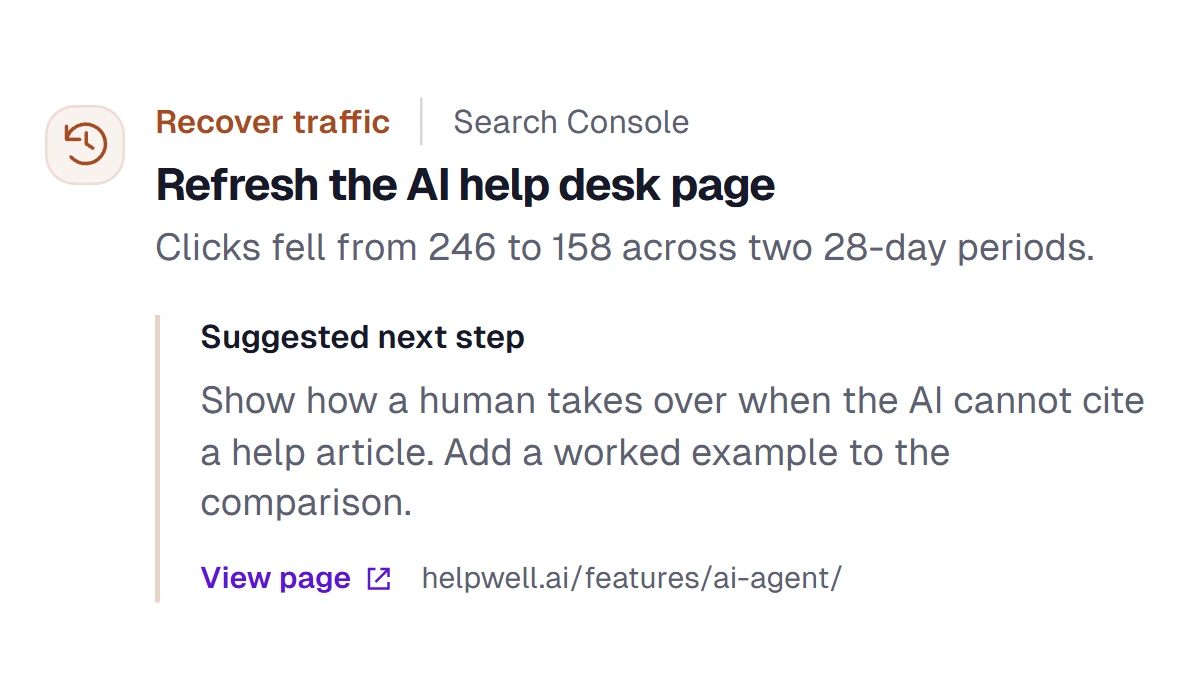
Connect Search Console so your content team can see which queries lost clicks and which pages still earn impressions. Use that evidence to prioritize the next update.



Integrations
Bring Search Console data into your content plan, send qualified leads to Google Sheets, and publish approved articles to your CMS. AIMEE can use those connections inside the workflows you build.
Integrations / Search Console connection
Connect Search Console so your content team can see which queries lost clicks and which pages still earn impressions. Use that evidence to prioritize the next update.
Integrations / Audience export
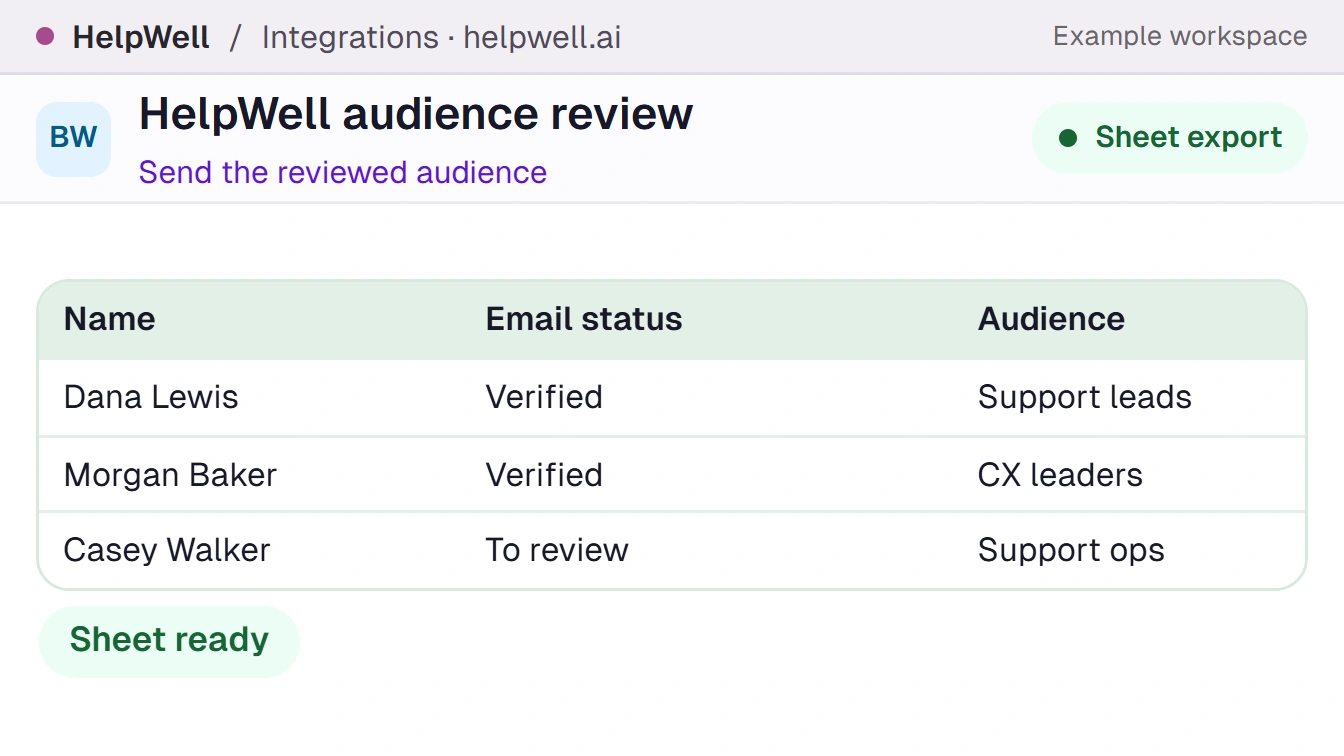
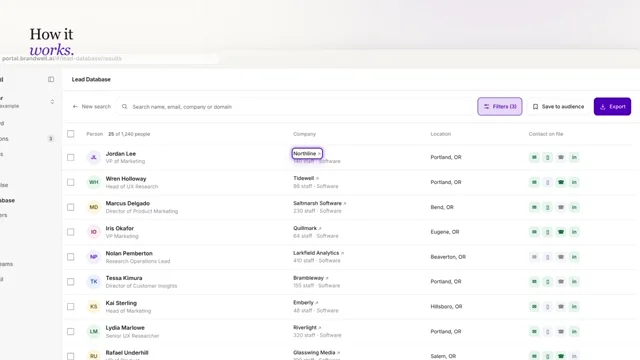
Pass a reviewed audience to Google Sheets through a configured workflow. Check which contact and owner fields the receiving team needs before the export.
Integrations / CMS publishing
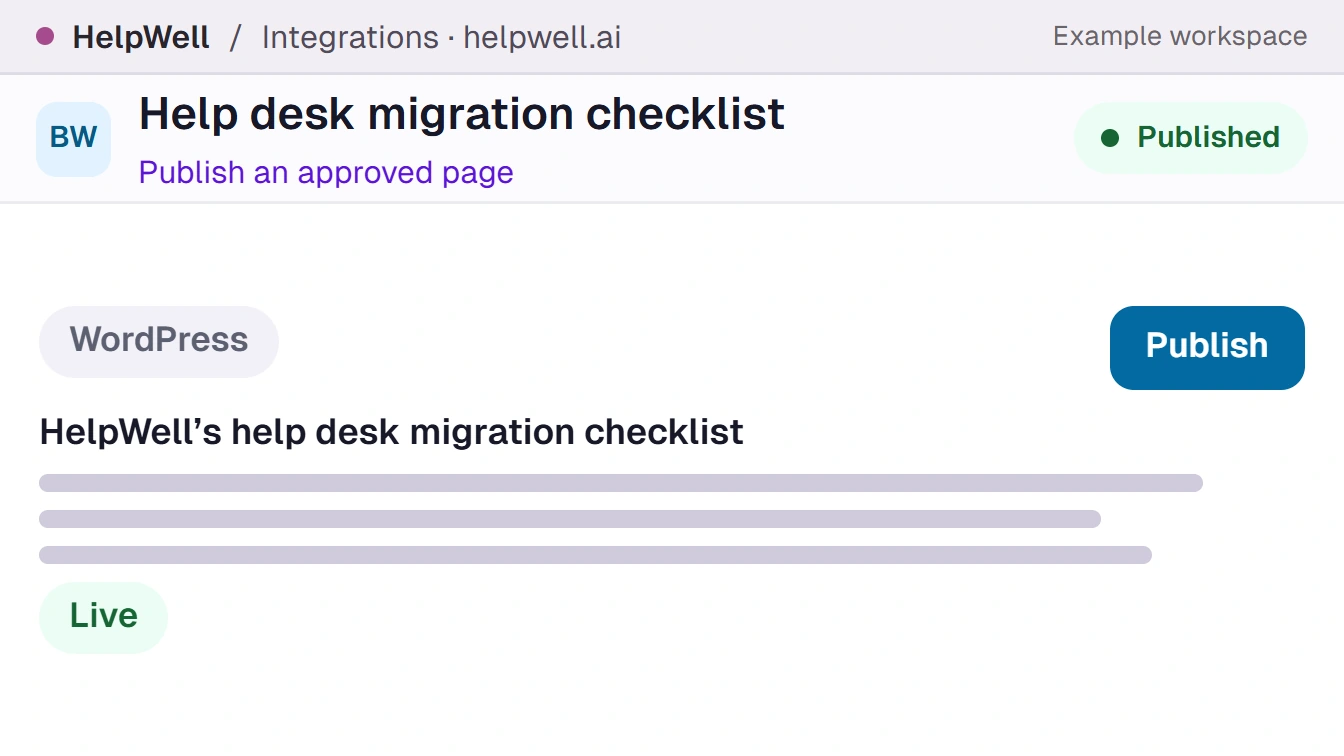
Send the reviewed draft to a connected publishing destination. Keep the returned URL with the content record so the team can verify the update and track the page.
Inside the workflow
See how an integration moves real work from one tool to the next, from the first search signal to the published page.
Capability demos
See the capability in action, then step onto the floor to watch the team work.
Integrations
Connect Search Console so your content team can see which queries lost clicks and which pages still earn impressions. Use that evidence to prioritize the next update.
Integrations
Pass a reviewed audience to Google Sheets through a configured workflow. Check which contact and owner fields the receiving team needs before the export.
Integrations
Send the reviewed draft to a connected publishing destination. Keep the returned URL with the content record so the team can verify the update and track the page.
The team behind the work
Give your team Integrations once. Each teammate’s AIMEE gets that capability, with a 250M-contact lead database, intent data, and more built in. Every teammate in sales and marketing can put it to work.


Sales questions reach the content desk. Every teammate can use the same account history.
Every teammate gets their own AIMEE with your chosen capabilities, Lead Database, intent data, and company context built in. Add a teammate for $49/month on desktop or $149/month on a dedicated cloud computer.

Give your bot the tools to find buyers, make calls, or publish content. See your monthly price as you choose.
Build a Growth Bot Build AIMEE, your AI growth employee, around your businessBuild Your Growth BotPick what she does for you, then meet her live on a call. No salesperson joins.Your AI growth employeeShe's available nowBuild Your Growth BotBuildBuild Your Growth Bot
 ▶
 ▶
 ▶

