


On this page
- Start with a page inventory and a baseline
- Search Console for your own search evidence
- URL Inspection for indexing questions
- PageSpeed Insights for performance diagnosis
- Analytics for visits and useful actions
- Keyword research in BrandWell’s Visibility workspace
- RankWell for content preparation and review
- AIMEE for approved connected work
- Original workflow: improve one service guide
- Keep a useful review checklist
A practical DIY SEO toolkit combines search-performance evidence, page diagnostics, keyword research and an editorial workflow. Choose tools for a specific task rather than collecting scores. The useful output is a clearer, accessible and accurately measured page.
This guide focuses on Google’s diagnostic tools and the current BrandWell workflow. Tool access does not guarantee rankings, traffic or sales.
Start with a page inventory and a baseline
Record the important pages, their purpose, intended reader and current status. Identify duplicate topics, missing answers and links that no longer serve the reader. Keep a recoverable copy before editing.
For each priority page, save its search impressions, clicks, CTR and average position for a defined period. Record useful website actions separately. Without a baseline, a later change is difficult to assess.
Search Console for your own search evidence
Use Search Console’s performance report to review available queries, pages, devices and countries for the property you can access. Check the filters and date range before drawing conclusions.
High impressions with weak CTR can suggest a title, relevance or query-mix opportunity. Average position is an aggregate, not a fixed ranking for every search. Search Console does not expose another site’s private search data.
URL Inspection for indexing questions
URL Inspection distinguishes Google’s indexed information from a live test. Review the reported status, selected canonical and relevant access information before choosing a fix.
A successful live test does not guarantee indexing or a ranking. Test the actual published page too. Avoid repeatedly submitting the same URL as a substitute for resolving the problem.
PageSpeed Insights for performance diagnosis
PageSpeed Insights combines controlled lab diagnostics with real-user data when available. Check whether field results apply to the page or the whole origin. Missing field data is not a passing result.
Use the report to locate a specific bottleneck, then validate the change. Check mobile loading, image dimensions, layout movement and important interactions. A lab score is not the same as a real-user Core Web Vitals assessment.
Analytics for visits and useful actions
GA4’s Traffic acquisition report uses session-scoped acquisition information. Confirm the tracking setup and distinguish visits from users, key events and purchases.
Use Search Console for available organic search-query evidence. Do not assume Analytics reveals every organic keyword. Keep the metric, scope and attribution window visible when comparing results.
Keyword research in BrandWell’s Visibility workspace
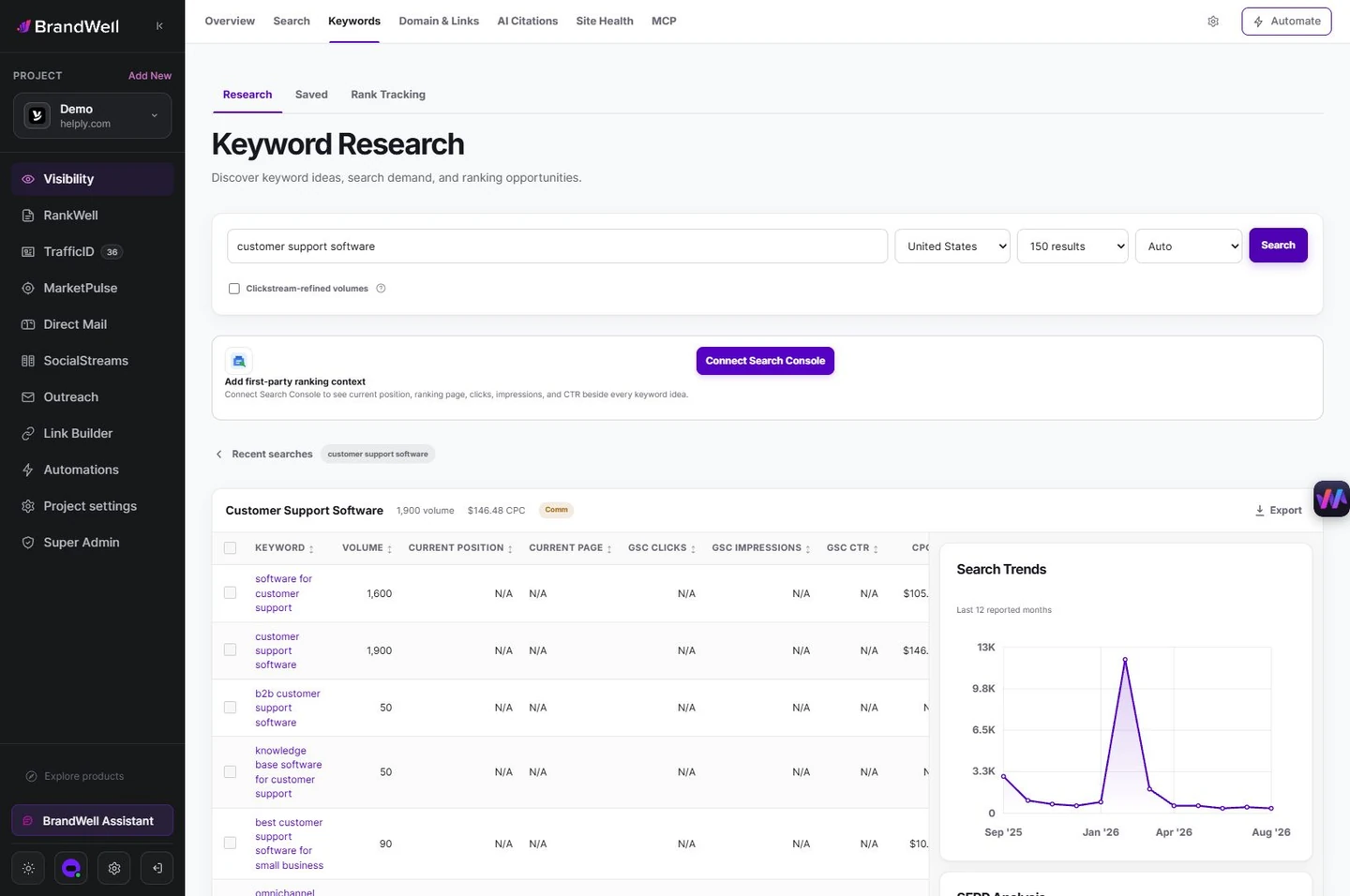
Investigate a topic and the related reader questions. Review the available estimates, locale and relevance before choosing a page. An estimated volume does not tell you how many people will visit or buy.
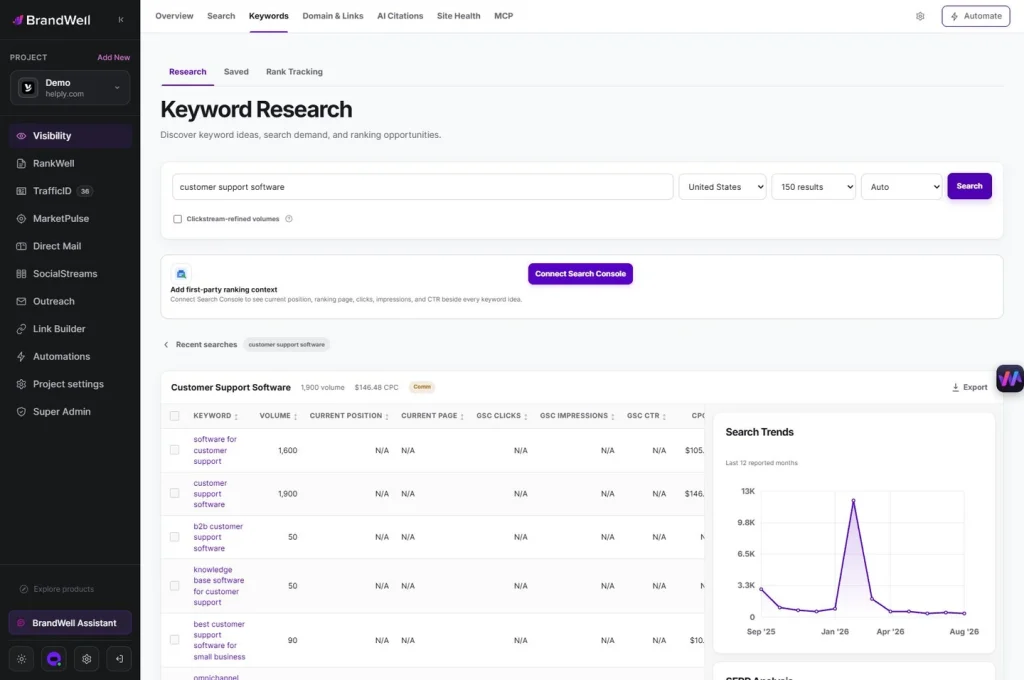
Do not make a separate page for every keyword variation automatically. Decide whether to improve an existing answer, create a genuinely distinct resource or consolidate overlap. Keep the reader’s task central.
RankWell for content preparation and review
In RankWell, use the Content Hub to organize strategy, articles and planned work. Bring a useful brief, reliable sources and original examples into the editor. Review content, media and the search preview together.
Check names, dates, product capabilities and unsupported claims. A recommendation or score is a prompt for review, not proof of accuracy or future search performance. Confirm the publishing path configured for the project and inspect the live result.
AIMEE for approved connected work
AIMEE can help prepare approved tasks through configured tools. Give it the source page, objective, verified facts and acceptance criteria. Review the proposed changes and the result at the destination.
Do not assume every account has the same connected actions. Keep access, publication and review responsibilities clear. An agent’s output does not replace source verification or the site’s actual performance reports.
Original workflow: improve one service guide
Suppose a restore-test guide receives impressions but few relevant visits. Save its page-level baseline and inspect the query group. Check whether the title explains the planning task and whether the article answers the question directly.
Verify the guide’s technical facts, add an original responsibility checklist and replace obsolete screenshots. Review the draft in RankWell, publish through the configured path and inspect the mobile page. Log the title, content and media changes.
Compare an equivalent later period after discovery and recrawling. This example is an editorial method, not an observed uplift or a promise that every low-CTR page needs the same fix.
Keep a useful review checklist
- Does the page answer a clear reader task?
- Are its facts and product references current?
- Do the title and description match the content?
- Can readers use its links, images and controls on mobile?
- Are indexing and performance diagnostics understood?
- Is the baseline and change history saved?
Google’s SEO Starter Guide provides the foundational context. Use tools to resolve specific issues and improve useful content rather than chase a universal score.
Reviewed and updated October 2, 2026.

Written by
Julia McCoy has contributed articles to BrandWell on content marketing, writing, and search engine optimization. This archive retains her original bylines; individual articles may be updated by the BrandWell editorial team.

