


On this page
An effective email subject line accurately previews a useful message for an eligible recipient. Start with the purpose of the email, use only reliable personalization and test the outcome you actually want, such as a qualified reply or purchase. A subject line does not guarantee conversion.
Available website activity can inform your research, but it does not reveal a person’s exact needs or grant permission to contact them. Avoid subject lines that imply you know someone is struggling, hesitating or ready to buy when the evidence does not support that claim.
Use visitor insights as context, not certainty
TrafficID surfaces identified website visitors and available profile or activity fields. Coverage varies. Review fit, suppression and the relevant permission before enrolling anyone in a follow-up workflow.
A visit to a pricing page can be relevant context, but it is not proof of purchasing intent. A repeat visit might come from a customer, researcher or someone whose needs your offer cannot meet. Use the available evidence to form a question, not to invent a personal situation.
A direct request is stronger context than an inferred interest. If someone requested a checklist, the subject can name the checklist. If someone booked a demo, the subject can describe the booking. Do not claim a download or conversation occurred when it did not.
20 original subject-line examples
These are illustrative drafts, not measured winners or BrandWell campaign results. Adapt them to your actual offer and recipient relationship. The stated conditions must be true before sending.
Requested resources
- Your payroll migration checklist
Use after the person requested that specific resource. - The office-move guide you requested
Deliver the promised guide and make the next step optional. - Here is the product walkthrough
Use when the recipient requested a walkthrough; ensure the link works. - Your webinar details and joining link
Use for a genuine registration with the correct time and joining information.
Product evaluation and relevant introductions
- Questions to ask before changing payroll systems
Introduce a useful evaluation resource to an eligible audience without assuming their decision. - A checklist for planning your next office move
Describe the resource rather than claiming you know the recipient has a move scheduled. - What the setup process includes
Explain scope, required information and responsibilities. - A practical guide to your first Intent Scan
Use when the product and recipient context make this relevant. - Which plan fits your topic coverage?
Compare actual allowances without implying every business needs the highest tier. - Can we answer a question about the demo?
Use after an actual demo interaction, not merely a visit to a demo page.
Confirmed invitations and genuine deadlines
- Your MarketPulse early-access invitation
Use when the invitation is ready and the personal access link is valid. - Your early-access window closes tomorrow
Use only when the recipient’s stored deadline supports the wording. - A reminder about your early-access offer
Keep the body specific about the offer and applicable conditions. - Your saved invitation link
Link to the actual invitation; do not imply a saved account exists if it does not. - Last reminder before your offer expires
Use only for the genuine final reminder under the configured sequence.
Customer help and follow-through
- Your account setup is underway
Use when setup has actually started and explain how access instructions will arrive. - Getting started with your available topics
Keep the instructions consistent with the purchased plan and current product. - The answer to your export question
Use in reply to that question and explain any allowance or restriction. - Review the workflow before you enable it
Describe the required connections, permissions and approval steps. - Following up on your support request
Reference a real request and identify what the recipient needs to do next.
A repeatable drafting process
1. Write the body promise first
Specify what the recipient receives and why it is relevant. The subject should describe that promise. Avoid exaggerated productivity, health, financial or conversion claims just because they sound attention-grabbing.
For example, “Questions to ask before changing payroll systems” can introduce a practical checklist. “Double your productivity in seven minutes” requires evidence for the specific promise and is not a substitute for a clear resource description.
2. Check every personalized field
Validate names, company details and the product or service description. Set a readable fallback when a field is missing. Review test messages with incomplete records so raw placeholders do not reach recipients.
Do not infer sensitive situations from browsing activity. A subject that mentions a problem should be relevant to the audience, not a claim that the recipient personally has that problem.
3. Put the useful information early
Inbox space varies by device, app and display settings. Preview the subject and preheader together in the environments your recipients use. There is no universal character count that guarantees full display or better results.
Use the preheader to add context rather than repeating the subject. A checklist subject might pair with a short description of the information the checklist covers.
4. Use urgency only when it is real
Check the actual expiration or availability before saying “last chance,” “ends tonight” or “only a few left.” Keep the subject, email body, destination page and stored deadline consistent.
If an offer does not have a genuine deadline, describe its benefit without inventing one. Do not imply that an account invitation is ready before the configured process has produced it.
5. Review the sender and delivery setup
Avoid fake reply prefixes, misleading sender names and claims that the email is a personal conversation when it is not. An eligible, recognizable message matters more than replacing one word from an alleged universal spam-word list.
Google’s email sender guidelines cover authentication, message formatting and subscription practices. Requirements differ by sending volume. Review the rules for the actual sending setup rather than assuming subject wording alone determines delivery.
Measure more than opens
Apple’s Mail Privacy Protection guidance explains that it can prevent senders from seeing whether a message was opened. Treat an open signal as a limited measurement, not proof of attention or a reliable buying-stage label.
Choose a test outcome such as qualified replies, valid resource requests or purchases. Keep the audience, body, send window and destination comparable when testing two subjects. Decide how to handle bounces, duplicate events and irrelevant replies before comparing results.
Original hypothetical example: subject A reaches 500 delivered messages and receives ten qualified replies, a 2% qualified-reply rate. Subject B reaches 500 and receives 12, or 2.4%. The difference is 0.4 percentage points. This small illustrative sample does not by itself establish a reliable winner.
A subject that produces more clicks but fewer qualified inquiries may be attracting curiosity rather than useful intent. Review the downstream result and negative signals, including opt-outs and complaints.
Make the email deliver on the subject
- Open with the actual reason for the message.
- Explain the relevant benefit in plain language.
- Use short paragraphs or bullets for parallel points.
- State important limits beside the claim.
- Offer one clear next action.
- Use genuine approved customer evidence when available.
- Keep any required opt-out and sender information accessible.
Do not invent a testimonial or customer result to strengthen an email. An original hypothetical example should be labeled as hypothetical and should not look like a quote from a real named customer.
Prepare messages in the current BrandWell workflow
Use available TrafficID signals to review a relevant outreach hypothesis. For topic-based intent research, MarketPulse plans are starting at $500/mo. Its data is distinct from identified activity on your own website, and available records are not guaranteed sales opportunities.
Give AIMEE an approved brief, verified product details, the purpose of the message and a review requirement. Actions depend on configured tools, access and permissions. Check the subject, fallback fields, body and destination before release.
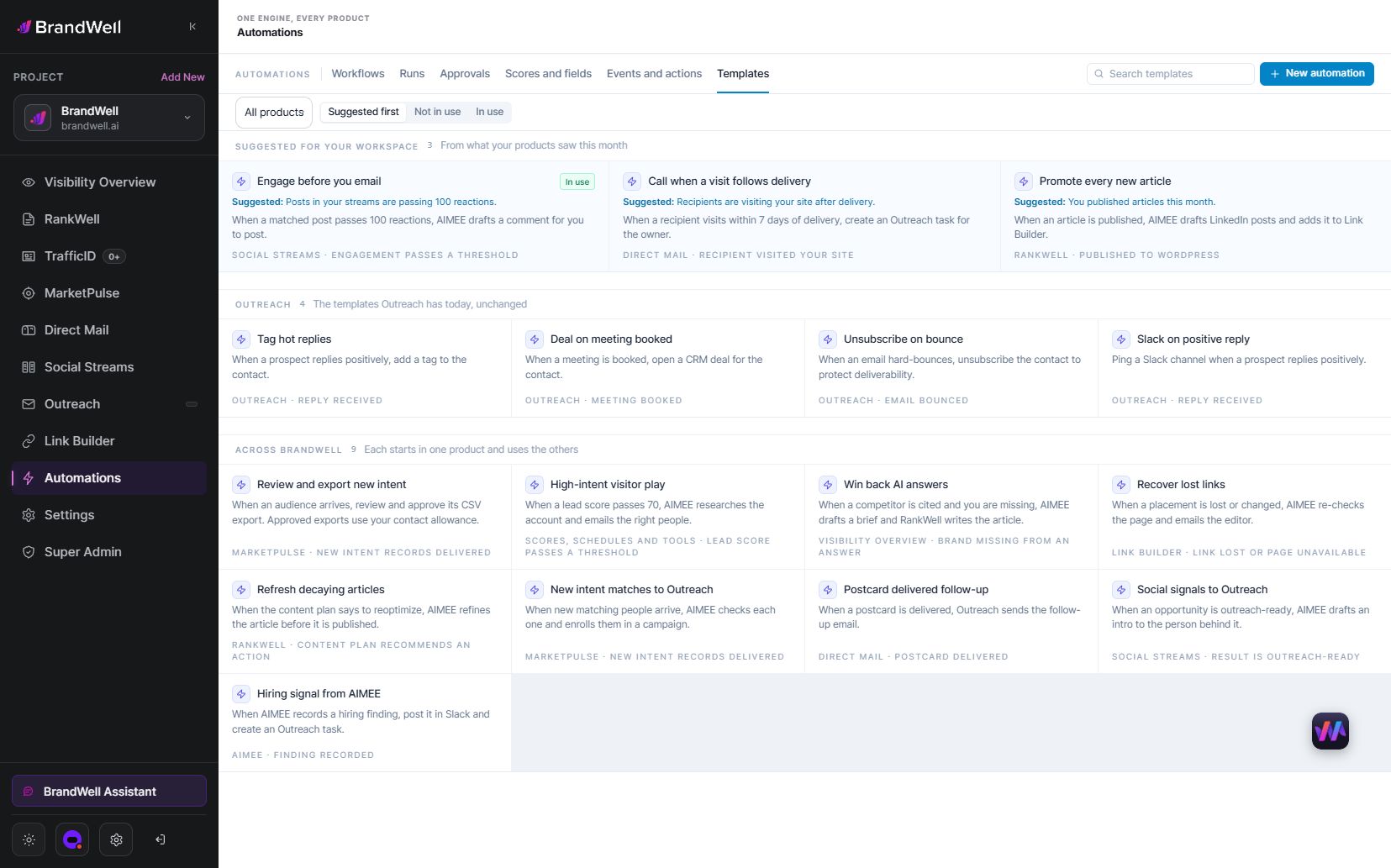
Use configured Automations for the available triggers or schedules. Confirm enrollment rules, opt-outs, purchase status and exception handling. Do not assume that every product connection or message step is enabled.
Frequently asked questions
Which email subject line converts best?
There is no universal winner. Match the subject to the message and test a relevant outcome with your eligible audience.
Should I mention that someone visited my website?
Do not overstate an identification signal or assume it establishes permission. A useful, relevant introduction can explain the resource without asserting personal browsing history.
Does using a name guarantee better performance?
No. Incorrect or irrelevant personalization can weaken a message. Validate fields and use a clear fallback.
Should I choose the subject with the most opens?
Review qualified replies, clicks and downstream outcomes as well. Open tracking has limitations and may not represent a person reading the email.
Reviewed and updated October 3, 2026.

Written by

