


On this page
- Understand the title and description
- Edit an individual page
- Edit the homepage
- Write useful metadata without rigid search limits
- Original example: a specific product description
- Verify the rendered page
- When theme code needs review
- Prepare the content and search copy in BrandWell
- Measure the change in Search Console
- Common questions
Edit Shopify’s built-in search title and description fields before changing theme code. Update the relevant page or homepage, save the change and inspect the rendered metadata. Write copy that accurately describes the page rather than adding keywords or promising rankings.
This tutorial covers the normal editing path, verification and situations where a theme developer may need to investigate the output.
Understand the title and description
The HTML <title> element supplies a page title. The description uses a <meta name="description"> element. They are commonly grouped as search metadata, but the title element is not itself a meta tag.
Google’s title-link guidance describes several signals it may use for a displayed title. Its snippet guidance explains that page content is the primary source and that a meta description may be used when helpful. The result can vary by query.
Edit an individual page
Shopify’s current instructions describe opening Online Store, then Pages, selecting the page and editing its Search engine listing preview. Enter the title and description, then save.
For a product, collection or blog post, open the relevant content item and inspect its search-listing fields. Check the actual admin interface and documentation for that item. Editing the visible page title and editing its search title can be separate actions.
Record the old wording before replacing it. Confirm that you selected the correct item, language and market. Avoid changing the URL handle unintentionally when your goal is only to improve the title or description.
Edit the homepage
In Online Store, open Preferences. Shopify documents the homepage title and description under the Social sharing image and SEO section. Update the fields and save.
Explain the store’s actual offer and intended audience. A broad claim such as “the best store online” provides less useful information than a clear description of the products and relevant service area.
Write useful metadata without rigid search limits
Shopify documents a title field limit of 70 characters and recommends shorter search copy. Keep platform field limits separate from how Google displays results. Google does not set a universal 60-character title or 160-character description limit; presentation can be truncated for the device.
Use a distinct title and accurate summary for each genuinely different page. Put important information early. Avoid repeating variations of the same keyword or adding an offer the page does not support.
Original example: a specific product description
For a hypothetical planter page, a title might identify the material and size rather than simply “Planter.” The description could mention the verified dimensions, drainage design and a link to care information.
Do not invent environmental certifications, delivery promises or customer ratings to make the snippet more attractive. This example is a writing method, not a measured click-through test.
Verify the rendered page
Open the public page and inspect its HTML source for the title and description. Check that the expected wording appears once and that the canonical URL still points to the intended page.
Check the visible heading, product details and mobile presentation too. Metadata should match the page, and the visitor should find the answer or offer the search copy describes.
If the output differs from the admin fields, investigate theme logic or an app that controls metadata. Keep a record of the observed output and configuration before making a change.
When theme code needs review
Shopify’s theme metadata documentation describes dynamic title, description and canonical output through HTML and Liquid. A theme normally needs page-specific data, not a single hard-coded title copied across every page.
Do not add a second static title or description to the main layout as a routine fix. Have an authorized developer inspect the existing output, preserve a recoverable theme copy and test the change before publication.
Prepare the content and search copy in BrandWell
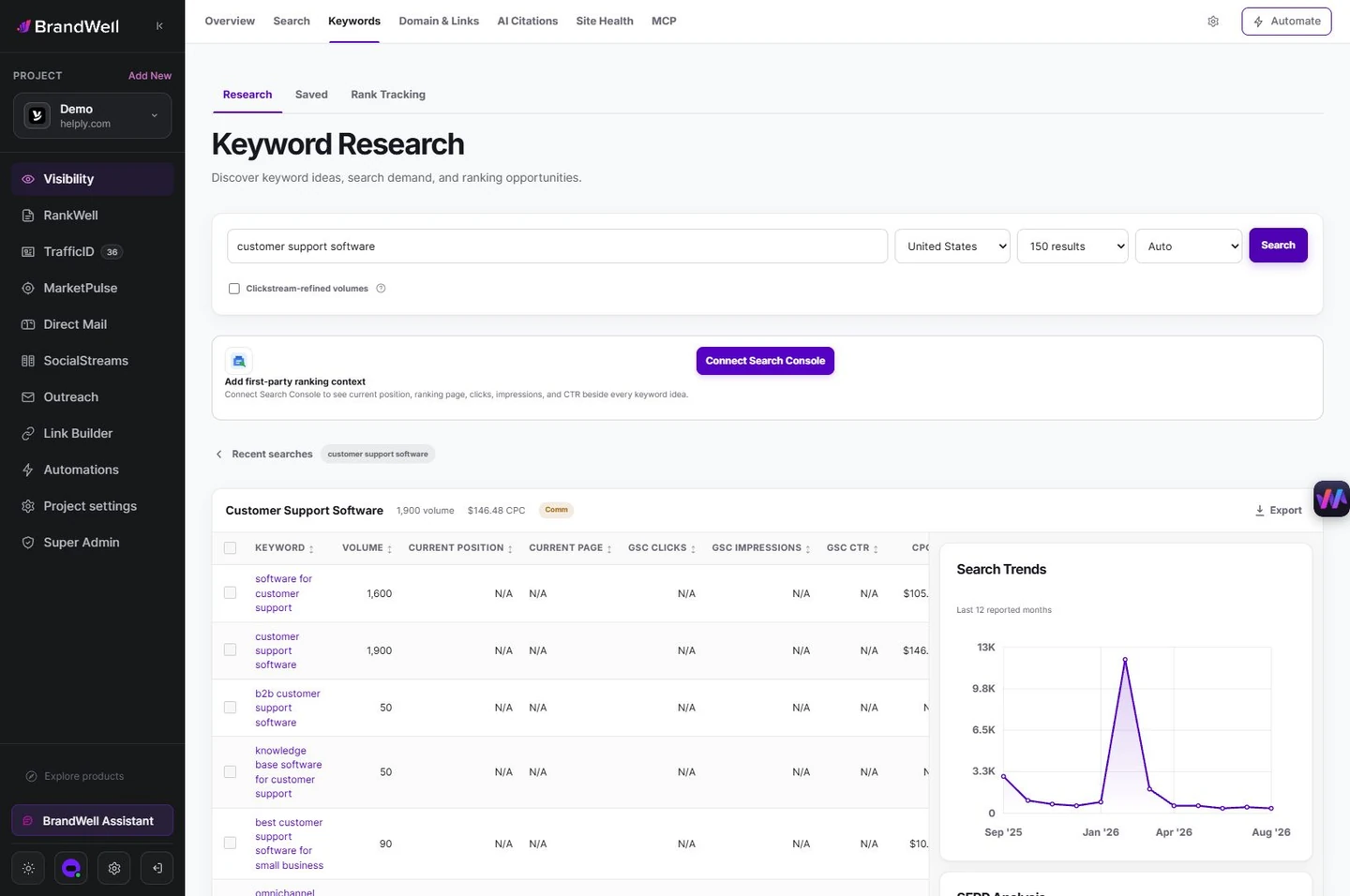
Use BrandWell keyword research to investigate the relevant reader task. In RankWell, review the article, product facts and search preview together. Confirm the publishing path configured for your project rather than assuming a legacy plugin is required.
Measure the change in Search Console
Save a dated baseline of the page’s impressions, clicks, CTR and average position. Compare equivalent periods, devices and query groups after discovery and recrawling. Search Console’s performance documentation explains the report’s metrics and limitations.
The report does not provide a complete archive of every description shown to each searcher. Do not treat a CTR change alone as proof that the new metadata caused it. Position, query mix, seasonality and other page changes can matter.
Common questions
Do I need an SEO app to edit the basic fields?
Shopify includes editing controls. Confirm your configuration before adding another layer that may duplicate existing output.
Why does Google show different wording?
Search titles and snippets can use other page signals and vary by query. First verify your own output, then assess whether the page communicates clearly.
Will adding metadata guarantee sales?
No. Useful metadata is one part of a relevant, usable and accurately measured page.
Reviewed and updated October 2, 2026.

Written by

