


On this page
Identify negative keywords by reviewing the searches that triggered your ads, checking whether each search fits the offer, and excluding only the unwanted intent at the appropriate scope and match type. A low CTR or zero conversions is a reason to investigate, not an automatic instruction to block a term.
This guide focuses on Google Search campaigns. Display, Video, Shopping, and Performance Max have different controls and eligibility. Check the current platform documentation for the campaign you manage before applying a Search example elsewhere.
What negative keywords do
A negative keyword is an exclusion that can prevent an ad from participating in a matching search. It does not change organic rankings or stop visitors from reaching your website through other channels. It also does not prove that every remaining searcher is a qualified buyer.
For example, a payroll provider might decide that a search for a payroll training course does not fit a particular software-demo campaign. A different educational campaign might welcome that task. Relevance belongs to the offer and campaign, not a universal list of “bad” words.
Understand the three Search match types
Google’s negative-keyword documentation distinguishes broad, phrase, and exact exclusions. Negative matching differs from positive keyword matching.
| Negative example | Matching behavior | Illustrative blocked query |
|---|---|---|
| Broad: training course | All terms occur, in either order | Payroll course training online |
| Phrase: “training course” | The terms occur together in the specified order | Payroll training course online |
| Exact: [training course] | The whole query matches without extra words | Training course |
Swipe the table to see all columns.
Other account settings still determine whether an ad can show. These examples illustrate the exclusion logic, not actual campaign results.
Google currently says negatives account for casing and misspellings, but synonyms and singular/plural variants may need separate entries. Excluding “cheap” therefore does not automatically exclude “affordable.” Review variants deliberately rather than importing an old positive-keyword rule or putting a minus sign before every term.
Use the search terms report as evidence
A keyword is what you target; a search term is what someone searched. Google’s search terms report explains their relationship and notes that report match types can differ from the keyword’s configured match type. The report is not an exhaustive record of every search.
- Select the correct account, campaign, period, and conversion actions.
- Review available search terms with their triggering keywords and ad groups.
- Check cost, clicks, conversions, and downstream lead suitability together.
- Read the query in the context of the ad and landing page.
- Classify it as relevant, clearly unsuitable, or uncertain.
- Record a reason and proposed exclusion scope before making a change.
Check conversion tracking and conversion lag before calling a relevant query a failure. Few clicks may not establish a reliable pattern. High impressions with no clicks also describe a different issue from high cost with unsuitable inquiries.
Create a review worksheet
| Field | Example review note |
|---|---|
| Observed search | Payroll software training course |
| Campaign purpose | Book demos for payroll software |
| Business evidence | No standalone training-course product is offered |
| Proposed exclusion | Review a phrase negative for training course |
| Scope | This demo campaign, pending checks against other offers |
| Risk | Could also exclude a buyer asking about training during implementation |
| Decision and owner | Campaign owner reviews the tradeoff and logs the chosen change |
Swipe the table to see all columns.
This illustrative record exposes the decision’s downside. Consider a narrower exact exclusion if the broader phrase would suppress useful research. Keep uncertain terms for review instead of pretending every query has an obvious answer.
Choose the narrowest suitable scope
Ad-group exclusions can separate offers within a campaign. Campaign exclusions apply more widely. Shared lists can support multiple campaigns, but an edit can affect every campaign using the list. Account-level exclusions need particular care because they apply across eligible inventory.
Reserve broad shared or account-wide exclusions for terms that are genuinely unsuitable across the affected offers. “Free” may be irrelevant for one paid service and central to a free-demo campaign. “Jobs” may be appropriate to exclude from customer acquisition while remaining relevant to recruitment. Do not copy a generic industry list without reviewing its reach.
Follow Google’s current instructions for creating and applying negative lists, then verify the selected campaigns. A list existing in the library does not by itself establish that the intended campaign uses it.
Check conflicts and keep a rollback record
- Review overlap with the positive keywords and useful queries you want to retain.
- Record the exact term, match type, campaign or list, date, owner, and reason.
- Check which campaigns share a list before editing it.
- Save the previous state so an overly broad exclusion can be reversed.
- Review changes alongside bidding, ads, landing pages, and tracking releases.
Google’s Search-ad guidance warns about negatives overlapping with regular keywords. Do not judge a change solely by higher CTR: removing useful searches can improve that ratio while reducing suitable leads.
Use BrandWell for the reviewed brief and follow-up context
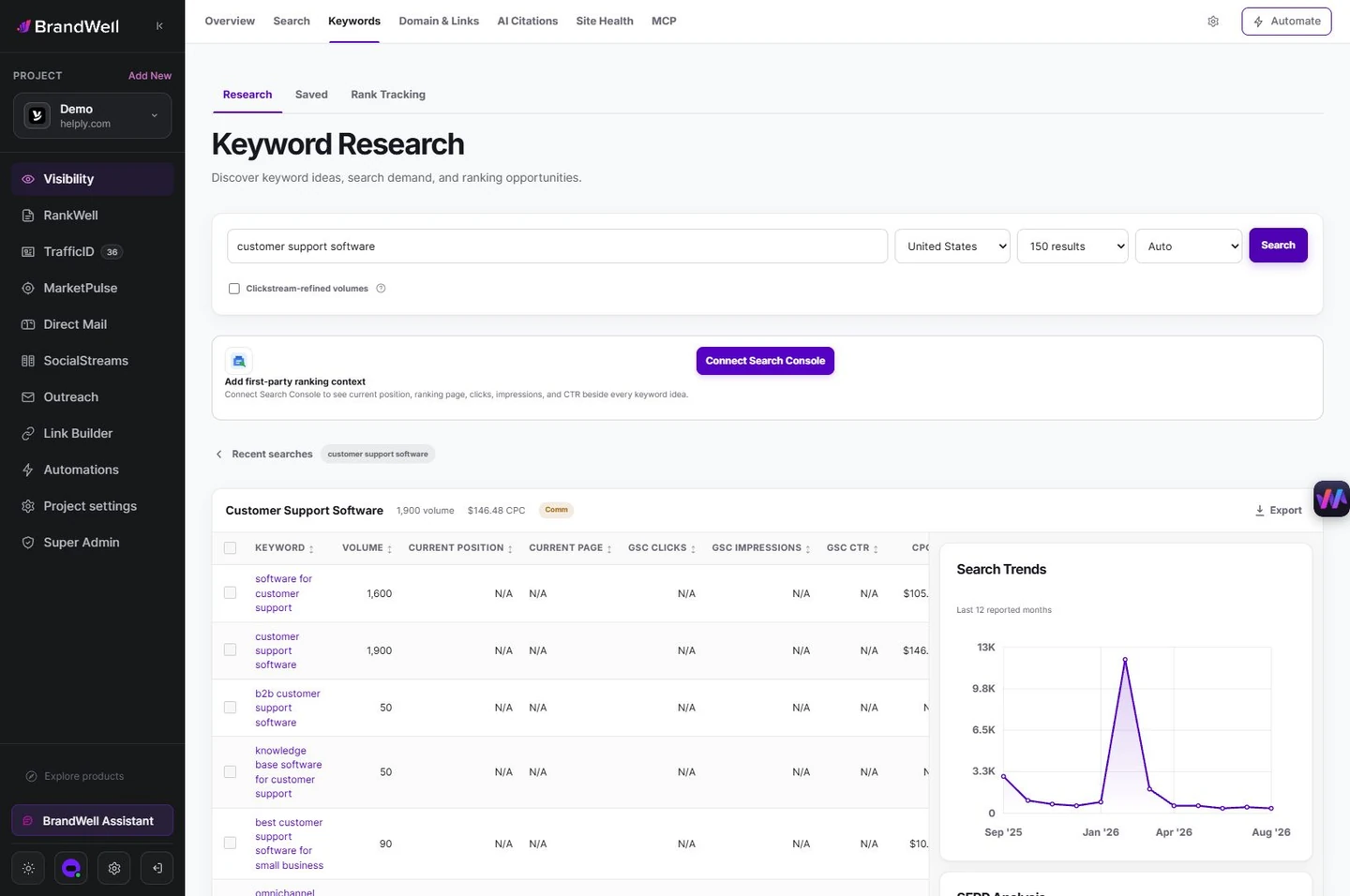
In the current BrandWell portal, available Keyword Research tools can help explore audience terminology. Research suggestions are not evidence that a query triggered your ad. Use the ad platform’s reports for that evidence.
RankWell can support a landing-page or article brief when the issue is a missing answer rather than unsuitable targeting. AIMEE can help prepare an authorized review task with source reports and business rules. Review proposed exclusions before executing them in connected tools; do not automatically block every term an AI labels low intent.
Frequently asked questions
Should every zero-conversion term become a negative?
No. Check relevance, sample size, conversion lag, tracking, and lead quality. A clear mismatch can justify exclusion; a missing conversion alone does not explain the cause.
Does a negative keyword affect SEO?
No. It is an advertising exclusion, not an organic-search ranking instruction.
Can one list work for every campaign?
Only if the exclusions fit every affected offer. Review shared scope and conflicts before applying it broadly.
Reviewed and updated October 2, 2026.

Written by
Justin McGill is the founder of BrandWell, growth automation software for inbound and outbound teams. BrandWell brings together MarketPulse intent data, TrafficID website audiences, RankWell content workflows, Visibility research and AIMEE execution through configured tools.

 Farnaz Kia