


On this page
Navigational keywords are search terms used to find a particular website, organization or page. “BrandWell login” is an example when the person wants the account entrance. “BrandWell MarketPulse pricing” may combine a destination request with evaluation of an offer.
Intent is an interpretation of the query and context. A brand name alone can be ambiguous, and a search for a nearby restaurant is not automatically navigational. Help people reach the page that serves the actual task.
Map the query to a useful destination
- A company-name query may lead to the official homepage.
- A product-name query may need the current product explanation.
- A login query should lead to the appropriate account entrance.
- A support query should provide a clear support route.
- A pricing query should show the current offer and relevant conditions.
Do not publish a separate thin article for every branded phrase. Often the useful repair is clearer navigation, a descriptive destination and accurate links from existing pages.
Original example: two account entrances
BrandWell’s current portal is portal.brandwell.ai. The RankWell account entrance remains a separate route for the original product. A reader looking for a login needs that distinction rather than an essay repeating the word “login.”
This is a destination-mapping example, not a claim that changing the link produced more subscriptions. Check the actual navigation and account context before sending someone to an entrance.
Original example: current MarketPulse pricing
A query about MarketPulse pricing should reach an accurate MarketPulse explanation with plans starting at $500/mo. It should not send readers to retired-product descriptions or imply that every plan includes the same limits.
Keep the product name, starting price and relevant usage terms consistent with the current offer. Available intent data is a research signal, not a guarantee that the person is ready to buy. Accurate context matters after the click as well as in search.
Use clear page titles and links
Google’s title-link guidance recommends descriptive titles and avoiding repetitive or stuffed wording. Write for the destination’s purpose. You do not need to force a brand keyword into every heading or sentence.
Use descriptive internal link text and check the final destination. A support link should not unexpectedly become a sales-only page. Review outdated names and links during product changes.
Review queries in Search Console
The Search Console Performance report includes queries, pages, clicks, impressions, click-through rate and average position. Filter the relevant brand or product terms and inspect which pages appear.
CTR is clicks divided by impressions. Compare equivalent search types, dates and dimensions. Query and page totals can differ because reporting and aggregation are not identical. Avoid treating average position as one fixed ranking seen by every searcher.
Look for mismatches: a retired page appearing for a current product query, an unclear login title or a pricing page that describes an old offer. Record the baseline and change. A before-and-after difference alone does not isolate the cause.
Use Analytics for the visit and task
Analytics helps examine landing pages and subsequent actions. Do not assume a standard Analytics report reveals every organic search keyword. Use Search Console for available search-query reporting and distinguish its scope from visit measurement.
GA4’s bounce-rate guidance defines bounce rate through sessions that were not engaged. An engaged session lasts over 10 seconds, has a key event or has at least two page or screen views. It is not simply every one-page visit.
A short visit can complete a login or support task. Longer time does not automatically mean a better experience or a Google ranking benefit. Choose the actual completion event and verify its measurement.
Resolve ambiguous or outdated destinations
Read the query and resulting page in context. A name shared by several businesses may need a clearer product description or location, not immediate rebranding. Do not fabricate case studies about another company’s sales gains.
When a page moves, update internal references and use the appropriate authorized redirect for a genuine replacement. Avoid sending unrelated destinations to one generic page just to retain a working URL.
Review current content in BrandWell
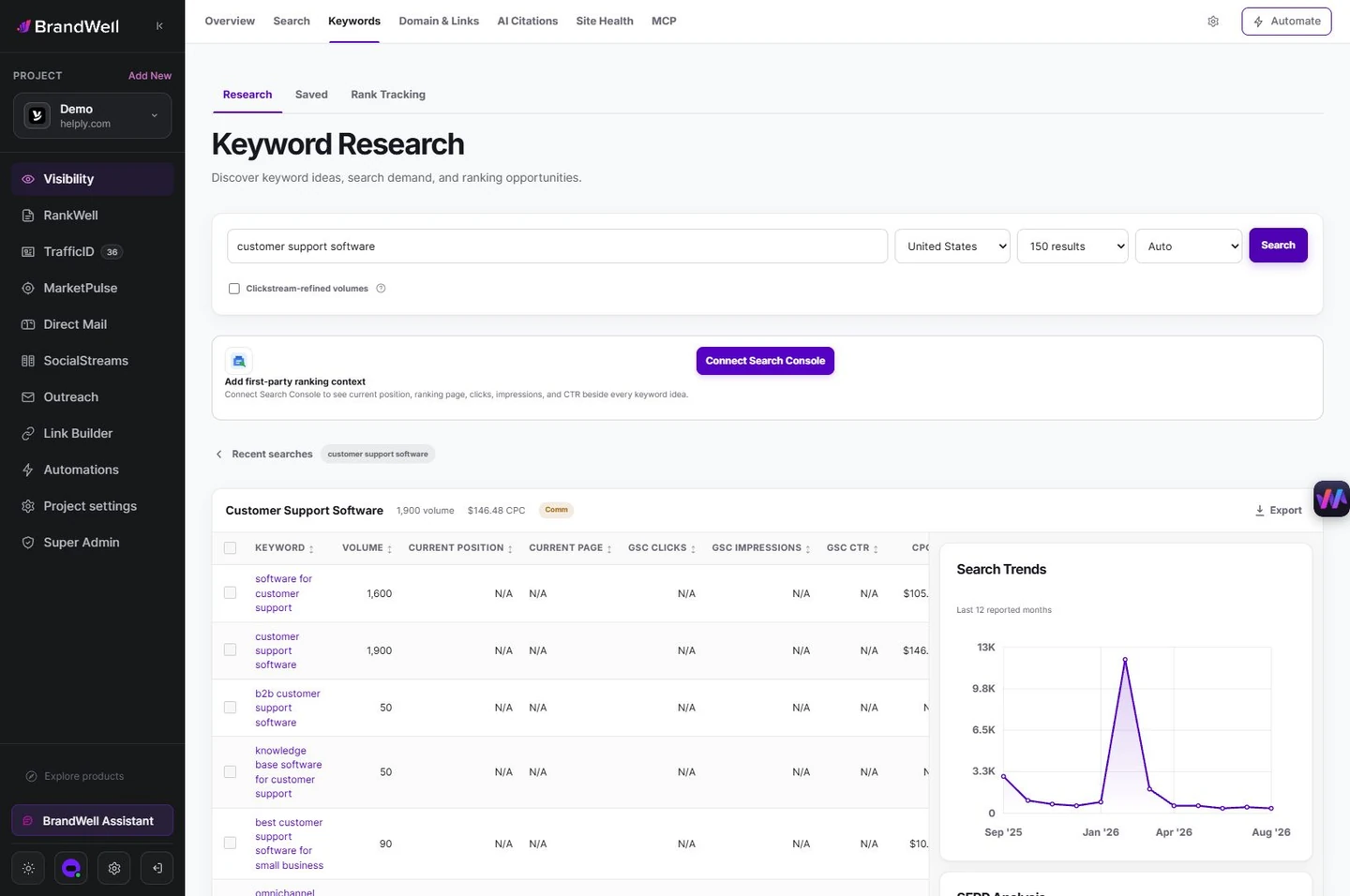
Visibility supports research into search opportunities. Use relevant findings to decide which existing page best serves the reader. A research suggestion does not guarantee that a new page will rank.
Use RankWell to review the page’s title, opening, sources and links. AIMEE can help organize approved changes through configured tools. Confirm the published destination and task on mobile afterward.
Reviewed and updated October 2, 2026.

Written by
Julia McCoy has contributed articles to BrandWell on content marketing, writing, and search engine optimization. This archive retains her original bylines; individual articles may be updated by the BrandWell editorial team.

