


On this page
- 1. Define the market and reader task
- 2. Inventory your existing answers
- 3. Use your own Search Console evidence
- 4. Explore related questions in BrandWell
- 5. Review public results for missing value
- 6. Interpret keyword metrics correctly
- Original example: choose the right kind of gap
- Turn the decision into a RankWell brief
- Measure the result without promising an outcome
- Common questions
A keyword gap is a relevant search need your website does not adequately answer. Find gaps by comparing your existing pages and search data with customer questions, related keyword ideas and the public search results. Then decide whether to improve a page, create a new resource or leave the topic alone.
The purpose is to serve a useful reader task. A phrase another site ranks for is not automatically an opportunity for your business, and covering it does not guarantee traffic or sales.
1. Define the market and reader task
Choose the product, audience, location and language you can actually serve. List questions customers ask before evaluating or using that product. Include constraints such as the technical knowledge or resources a reader needs.
Start with one subject rather than collecting every keyword in your industry. For an IT provider, a restore-test checklist may be relevant; a broad consumer electronics term may attract people who have no need for the service.
2. Inventory your existing answers
Record the URL, main task, intended audience, source quality and next step for each related page. Read the content rather than relying only on its title. A page can mention a phrase without answering the question behind it.
Look for missing steps, outdated instructions, weak evidence and duplicate pages. Improving one useful resource may be preferable to publishing another article with nearly the same purpose.
3. Use your own Search Console evidence
In Google Search Console’s performance report, examine queries and pages for your verified property. Keep the date range, search type, country and device scope consistent. Compare impressions, clicks, CTR and position for related queries.
Search Console does not disclose another business’s private query report. Use it to investigate your own visibility, then review public search results separately. Low CTR at a low average position is a different problem from low CTR on a page already appearing near the top.
Save a dated baseline before changing the page. Query reporting and aggregation have limits, so do not treat the report as a complete list of every search or person.
4. Explore related questions in BrandWell
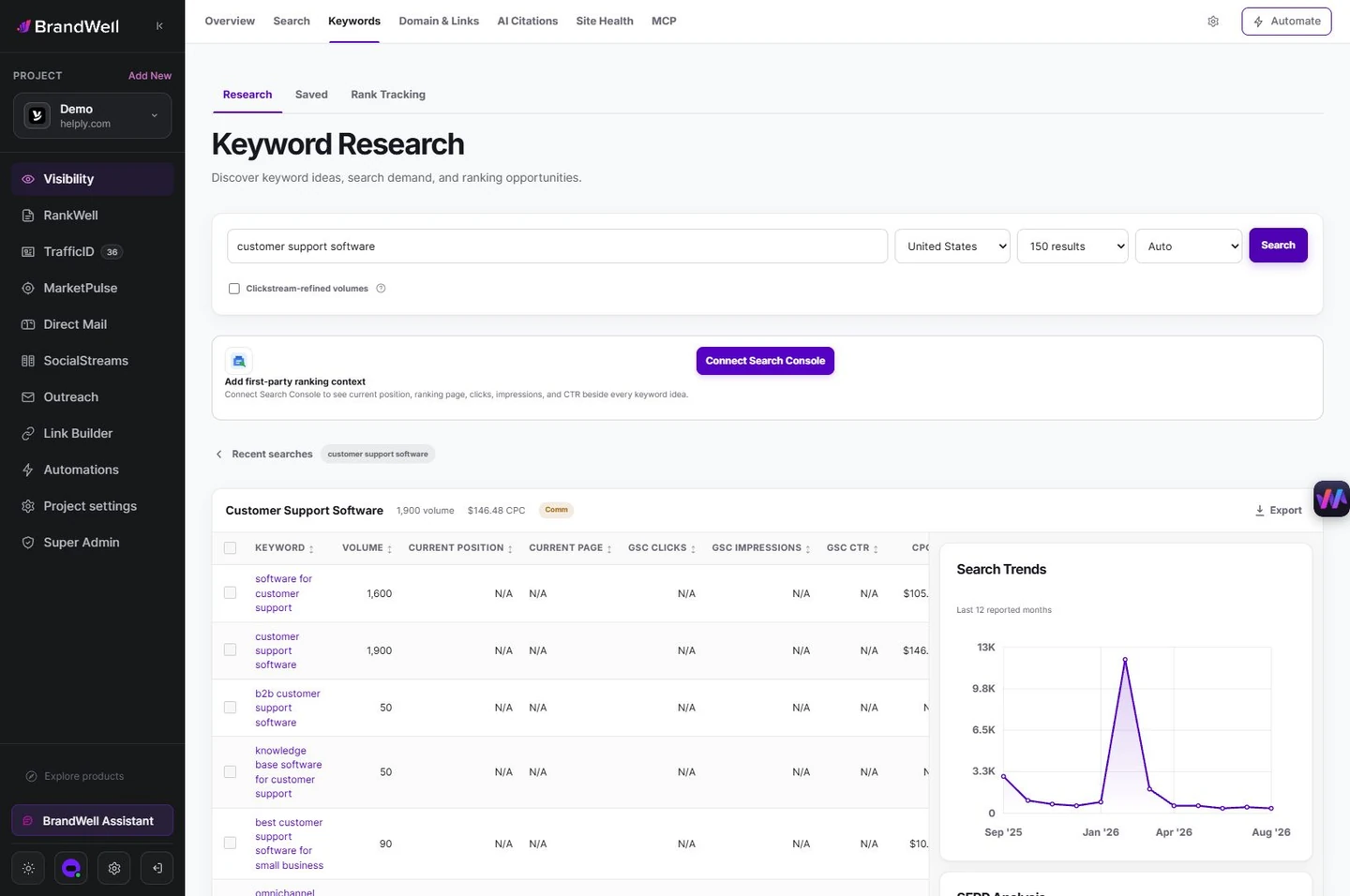
Use BrandWell’s keyword research workspace to investigate related terms and possible topics. Record the market and available metrics, then check whether the proposed topic matches the reader task.
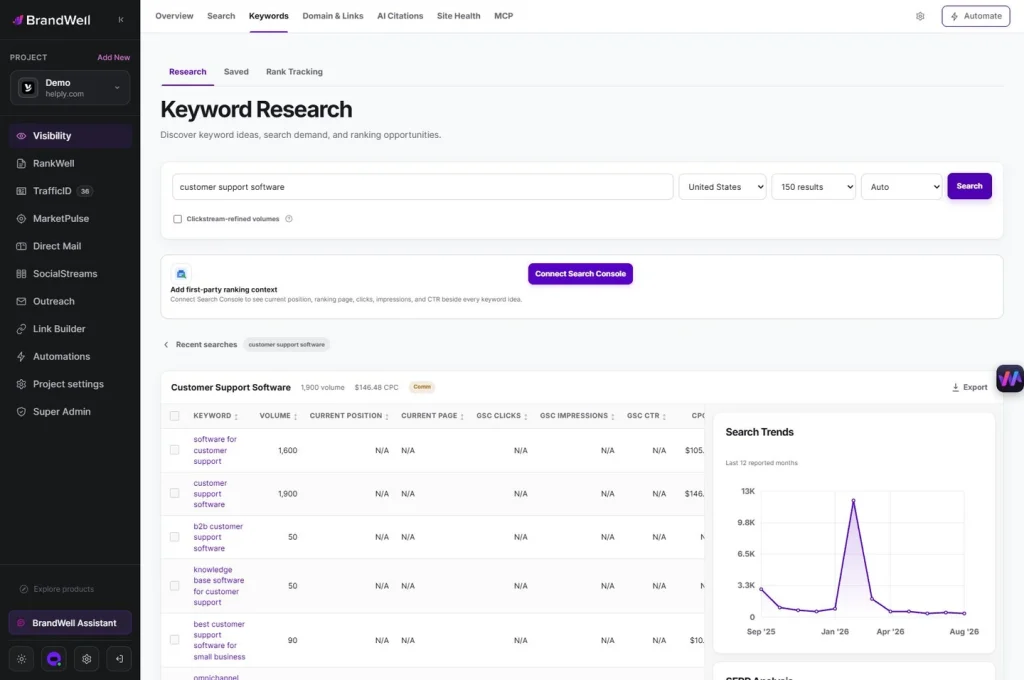
Tool estimates can support prioritization, but they do not establish that a specific person will buy. Record where a figure came from and its date, geography and definition.
5. Review public results for missing value
Read the results for the relevant question and note their formats, coverage and evidence. A manufacturer guide, forum discussion and service page may serve different tasks. Search competitors are not always your commercial competitors.
Identify what you can contribute: an original test, a technically reviewed checklist, a clearer worked example or a useful decision guide. Do not copy another article’s wording or create a longer version solely to add words. Google’s helpful-content guidance emphasizes useful, reliable information rather than a preferred word count.
6. Interpret keyword metrics correctly
- Search volume: an estimate within a defined dataset and period, not guaranteed visits.
- Keyword difficulty: a tool-specific estimate, not a Google score or a promise that ranking will be easy.
- Advertising competition: Google Keyword Planner describes advertiser activity, not organic ranking difficulty.
- Bid or CPC estimates: paid-search context, not proof of your conversion rate or customer value.
Google explains Keyword Planner’s historical metrics and forecasts, including the settings behind search estimates and the meaning of its competition column. Keep paid and organic interpretations separate.
Original example: choose the right kind of gap
A hypothetical IT provider has a general backup article but no guide to preparing for a restore test. Customer questions concern who should attend and how to record results. Relevant search ideas suggest a checklist.
- Existing page: improve the backup article’s explanation and link to the practical guide.
- New resource: a restore-test checklist with a sample record reviewed by a technical specialist.
- Not a fit: an unrelated high-volume consumer-storage topic.
- Evidence needed: actual procedures, limitations and a verified example, rather than invented customer results.
This is an original planning example, not a measured campaign. The gap is a missing answer to a relevant task, not merely an absent keyword.
Turn the decision into a RankWell brief
Prepare an approved brief for RankWell containing the reader task, existing URL if applicable, source links, original evidence, outline and next step. Review the draft for factual accuracy, coverage and product details before publishing through your configured workflow.
Keep headings descriptive and link related pages where the connection helps the reader. Avoid repeated keyword variations that make the explanation awkward. Confirm the published title, images and mobile layout.
Measure the result without promising an outcome
Compare equivalent reporting periods after allowing time for discovery and indexing. Look at relevant queries, page visibility and meaningful requests or purchases. Record other changes that could affect the result, such as seasonality or a campaign.
If visibility remains weak, investigate relevance, indexing, evidence and usability rather than repeatedly rewriting the title. Keep a change log so the next review can distinguish the baseline from subsequent edits.
Common questions
Should every missing keyword become a page?
No. Group closely related needs and choose the format that answers them. Create a separate page when it serves a distinct task.
Can I see a competitor’s Search Console data?
Not through your own property report. Public results and external estimates are different sources with different limitations.
What should I prioritize first?
Relevant tasks you can answer with credible evidence, especially where an existing page is incomplete. Use search estimates as context rather than the sole decision rule.
Reviewed and updated October 2, 2026.

Written by
Julia McCoy has contributed articles to BrandWell on content marketing, writing, and search engine optimization. This archive retains her original bylines; individual articles may be updated by the BrandWell editorial team.

