


On this page
- Choose a keyword tool by the question it answers
- Use Keyword Research in BrandWell Visibility
- Find existing opportunities in Google Search Console
- Understand Google Trends and Keyword Planner
- An original example: choosing a payroll article
- Turn research into a useful content plan
- Common questions about keyword tools
The best keyword tool depends on the decision you need to make. Use your own search performance to find existing opportunities, research tools to explore new questions, and a content workflow to turn an approved topic into a useful page. No keyword metric guarantees a ranking or tells you exactly how much revenue a page will generate.
For BrandWell users, start with Keyword Research in Visibility, then use RankWell for the reviewed content workflow. This guide explains how to combine that research with Google Search Console and interpret the numbers correctly.
Choose a keyword tool by the question it answers
- What already brings people to my site? Review your pages and queries in Google Search Console.
- Which questions should we investigate next? Use Visibility research with customer questions and your existing content inventory.
- Is interest seasonal or changing? Check Google Trends with consistent settings.
- What does this term mean for a paid search campaign? Use Google Ads Keyword Planner with the relevant location and network.
- What should we publish? Turn the evidence into a brief, then use RankWell to prepare and review the content.
These are different jobs. Avoid treating one score as a substitute for reviewing the audience, search results and page you plan to create.
Use Keyword Research in BrandWell Visibility
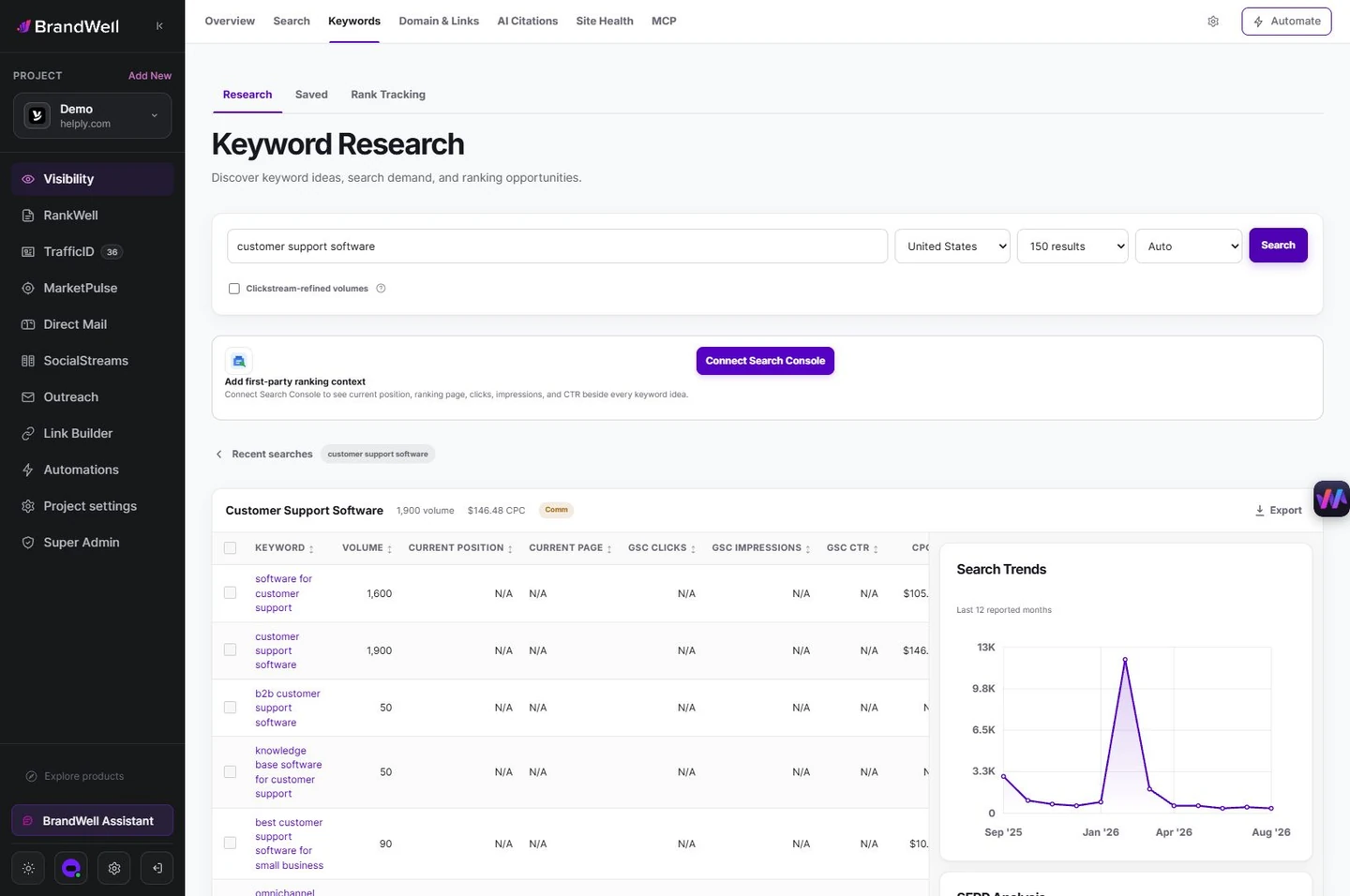
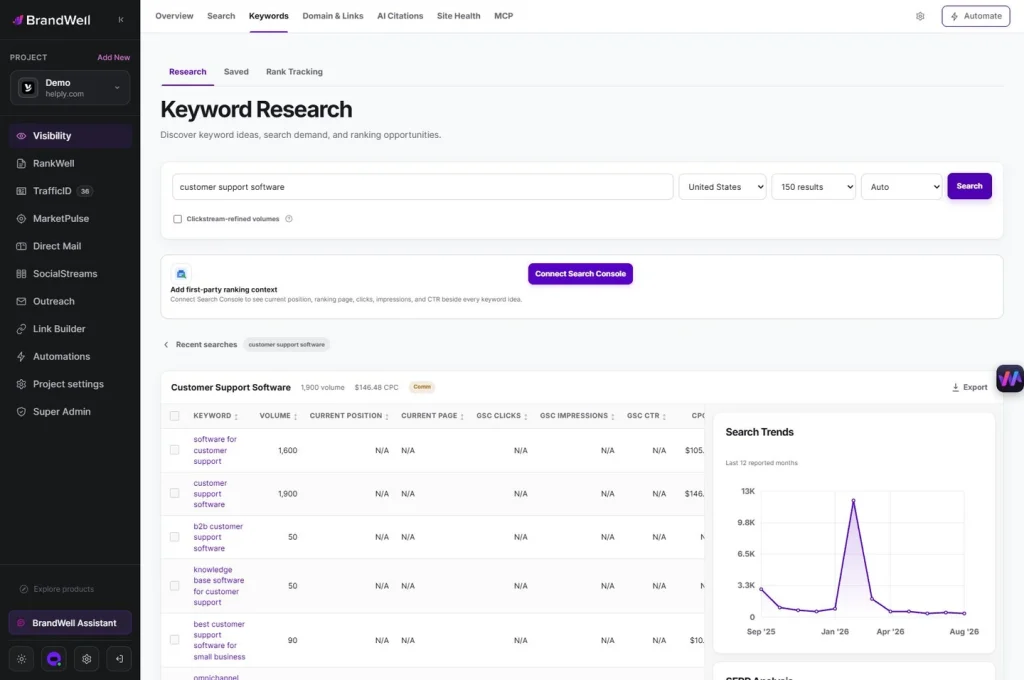
Open the current BrandWell portal and use Keyword Research within Visibility. Start with a specific product, service or customer question. Inspect the available research and record the settings and date used.
Review each candidate against four checks:
- Customer fit: would a likely customer need this answer?
- Intent: does the search call for a guide, product page, comparison or another format?
- Existing coverage: do you already have a page that could answer it better?
- Evidence: can you add first-hand expertise, a useful example or reliable sources?
After selecting the opportunity, prepare the brief in the RankWell content workflow. Review the article, sources and formatting before publication. Keyword research belongs in Visibility; content preparation and editing belong in RankWell. Product access and usage depend on your package.
Find existing opportunities in Google Search Console
Google’s Search Console documentation defines clicks, impressions, CTR and average position. CTR is clicks divided by impressions. Use these metrics to investigate a page, not to label every low-CTR query a content failure.
- Choose a date range and search type that fit your review.
- Find a relevant page with impressions and limited clicks.
- Filter to that page and inspect the queries available for it.
- Review the result title, answer coverage and likely search intent.
- Decide whether to update the page, consolidate overlap or leave it unchanged.
- Record the change date and compare a later period with consistent filters.
A sitewide query export does not establish which query belongs to a particular article. Use a page filter before making that connection. Also inspect device and country differences where they matter to the audience.
A page averaging a low position may receive few clicks because searchers rarely see it prominently. A more visible page with weak clicks may warrant closer title and intent review. Neither observation, on its own, proves the cause.
Understand Google Trends and Keyword Planner
Trends shows relative interest
Google Trends uses normalized, sampled search data. Its 0-100 scale expresses relative interest in the selected comparison, not a count of searches. Keep geography and date settings consistent before comparing terms.
Use it to investigate a seasonal question, then check whether that question is relevant to your buyers. An upward trend alone is not a reason to publish a page.
Planner’s competition metric concerns advertising
Keyword Planner’s documentation distinguishes historical search metrics from advertising forecasts. Its competition measure concerns advertisers, and search-volume statistics are rounded. Do not read low advertiser competition as evidence of easy organic rankings.
Save the location, network and time settings beside any exported numbers. Treat forecasts as estimates for their stated purpose, not promised traffic for an SEO article.
An original example: choosing a payroll article
This is an invented planning example, not a ranking result or a research-tool export.
A payroll software company considers three topics: “payroll,” “payroll onboarding checklist” and “payroll integration troubleshooting.” The broad term has a less specific task. The checklist could be useful if the company can explain its actual onboarding process. The troubleshooting topic might need a help article for existing users rather than a general marketing post.
Suppose an existing checklist page received 2,000 impressions and 20 clicks in the chosen period. Its CTR is 20 divided by 2,000, or 1%. Before rewriting it, the team checks the page-filtered queries, country, device and average position, then reads the live search results and its own article.
If the page misses practical onboarding steps, the team adds a product-owner-reviewed checklist and current screenshots. If it already answers the question, it may need a clearer title or a different next step. If the queries reflect another task, changing the title alone will not resolve the mismatch.
The final brief contains the audience, question, existing URL, proposed changes, sources and approval owner. Measure later performance against the recorded baseline; do not call the edit a success before results exist.
Turn research into a useful content plan
Group questions only when they serve a coherent customer task. A topic cluster needs a clear main page and supporting pages with distinct purposes. Avoid creating separate pages for slight wording changes that need the same answer.
- Update: an existing page fits the intent but needs fresher evidence or clearer steps.
- Create: an important question has no useful existing answer.
- Consolidate: several pages repeat the same task and divide the useful information.
- Defer: the topic is irrelevant or you cannot yet support its claims.
AIMEE can help prepare the research and brief through configured tools. An editor should confirm the decision, facts and published result. A large keyword list is not a publication requirement.
Common questions about keyword tools
Which keyword tool is most accurate?
There is no universal answer. Search Console reports your site’s observed search performance, Trends reports relative interest, and Planner provides advertising-oriented metrics and estimates. Compare the metric definition, settings and data source before calling one number more accurate.
Are free keyword tools useful?
Yes. Search Console and Trends can answer important research questions. Paid research features can add other capabilities, but price alone does not establish that every metric is more useful for your task.
Can AI brainstorming replace keyword data?
AI can suggest customer questions and alternative phrasing. Those ideas are not measured search demand unless checked against an appropriate source. Validate them before building a content plan.
Do optimized keywords guarantee AI Overview placement?
No. Make the answer clear, supported and useful to the reader. Do not treat a keyword score or content brief as a promise of inclusion in search features.
Explore Visibility to research the opportunity, then use RankWell to prepare a reviewed answer.
Reviewed and updated October 2, 2026.

Written by
Julia McCoy has contributed articles to BrandWell on content marketing, writing, and search engine optimization. This archive retains her original bylines; individual articles may be updated by the BrandWell editorial team.

