On this page
Google’s March 2024 core update finished on April 19, 2024. Google publicly recorded that completion on April 26. For website owners, the end of a rollout is a useful checkpoint for investigation, not a guarantee that rankings have settled permanently or that an editorial change will restore traffic.
This guide focuses on the work after a rollout: preserve the evidence, separate different kinds of problems, prioritize useful fixes and measure the results without overstating causation.
Completion date versus announcement date
The Google Search Status Dashboard records the March 2024 update from March 5 through April 19. Its April 26 entry reports that the rollout had completed as of April 19.
Use those dates when evaluating the historical event. Do not describe it as the latest update or assume that a site’s present performance is still explained by that event. Record later releases and site changes separately.
Save a baseline before making further edits
Export the relevant search data and keep the reporting period, property and filters with it. Record page-level clicks, impressions, CTR and average position. Separate different page groups rather than relying only on the site’s total.
Keep a change log for redirects, templates, product updates, content edits and technical releases. A later comparison is easier to interpret when you know what else changed.
Missing data should remain missing. Do not treat an unavailable click metric in an AI-search report as zero or combine differently defined reports into one apparent conversion rate.
Distinguish a manual action from a ranking change
Google’s Manual actions report documentation explains that a manual action follows a human review of policy compliance and is reported in Search Console. Inspect the actual report and affected scope.
A ranking decline alone does not establish a manual action. Conversely, a clean manual-actions report does not establish that every page is indexed, technically sound or performing well. Investigate the evidence appropriate to each issue.
- Reported manual action: review the stated issue, affected pages and required response.
- Indexing or access problem: inspect representative URLs and the relevant technical configuration.
- Performance decline: examine query, page, device and market differences.
- Content weakness: review the actual answer, sources, media and product details.
Do not use “penalty” as a blanket label for every movement. That can lead to the wrong remedy and misleading internal reporting.
Prioritize specific, reviewable fixes
Begin with pages where you can identify a concrete defect. Examples include a broken primary source, a retired interface screenshot, an inaccurate price or instructions that no longer work. Fix those because they mislead readers, even before a search-performance conclusion is available.
For a page with weak clicks relative to impressions, check whether its title accurately answers the query, whether the description reflects the content and whether the query is relevant to the business. Do not chase clicks with claims the article cannot support.
For repetitive pages, compare their purpose and original value. Consolidation or retirement may be appropriate, but preserve the source and assess relevant links and destinations before changing URLs. A mass deletion is not a substitute for review.
An original investigation example
Suppose a company finds that its product tutorials lost clicks while its general educational articles remained stable. A review reveals that the tutorials still show an old interface and link to an obsolete setup page.
The team replaces the screenshots with current ones, verifies the instructions in the actual product and repairs the destination. It records the affected URLs and publication date. These are useful corrections regardless of whether the old search update caused the decline.
Later, the team compares consistent periods and inspects the query mix. If clicks rise, it reports that movement while acknowledging the other possible influences. It does not claim a controlled recovery experiment when none was conducted.
Organize ongoing review in BrandWell
Visibility supports keyword research and opportunity investigation. Use it alongside actual customer questions and page performance to choose relevant work.
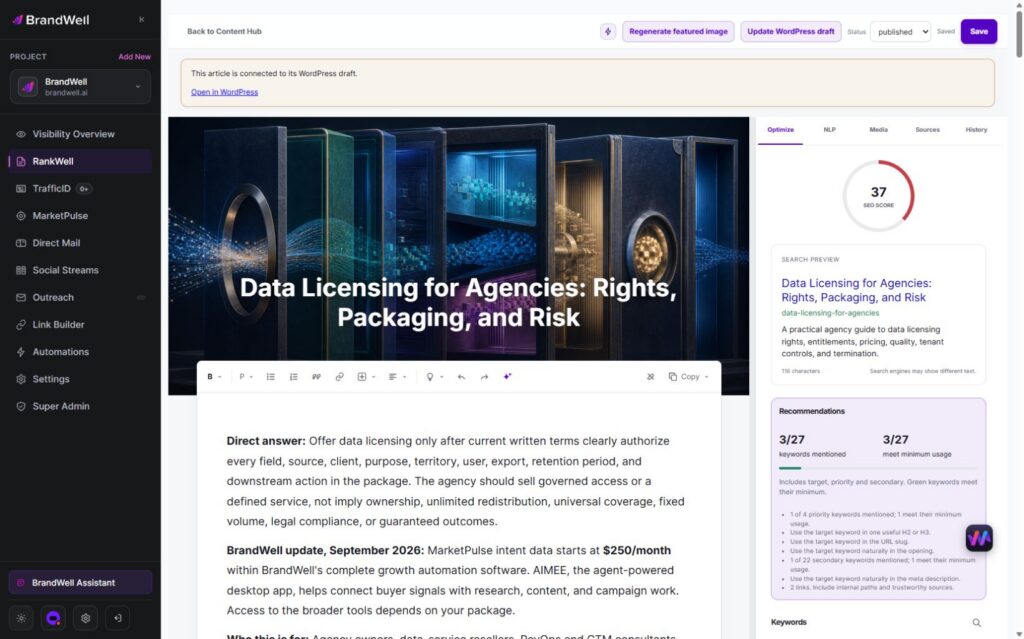
RankWell supports article preparation and review. The current Content Hub organizes articles, strategy, queue and calendar work. In the editor, review the draft, search preview, recommendations, media, sources and history.
Assign an owner to check current facts, product details and sources. Add original examples and actual screenshots where they explain the task. Approve the finished article before configured publication, then record the change for future maintenance.
A writing tool cannot guarantee recovery, ranking stability or a citation in an AI answer. Keep editorial quality and measured outcomes separate from product marketing claims.
Set a follow-up measurement plan
Choose comparable periods and maintain the same filters. Review the page groups and queries that motivated the work, then examine relevant on-site outcomes. Distinguish a visit, an inquiry and a completed purchase.
Document the limits: seasonality, changing demand, other releases and missing attribution can affect the result. Revisit unresolved pages based on evidence rather than repeatedly changing the same article after every daily fluctuation.
Frequently asked questions
Did the March 2024 rollout finish on April 19 or April 26?
It finished on April 19. The dashboard’s April 26 entry publicly reported that completion.
Does a clean manual-actions report mean the site has no issues?
No. It addresses reported manual actions. Indexing, technical and performance issues require their own investigation.
Will rewriting an article guarantee recovery?
No. Correct demonstrable defects, make the page useful and measure later outcomes. Do not promise a search result from an edit.
Explore RankWell to organize article review and maintenance in the current BrandWell portal.
Reviewed and updated October 3, 2026.

Written by
Julia McCoy has contributed articles to BrandWell on content marketing, writing, and search engine optimization. This archive retains her original bylines; individual articles may be updated by the BrandWell editorial team.