


On this page
- 1. Describe the result and audience
- 2. Supply facts, not invented personalization
- 3. Ask for a complete draft
- 4. Review the message before sending
- 5. Refine the specific problem
- Original marketing example: a useful next step
- Commercial email needs its own review
- Connect the approved work in BrandWell
- Evaluate the outcome responsibly
- Common questions
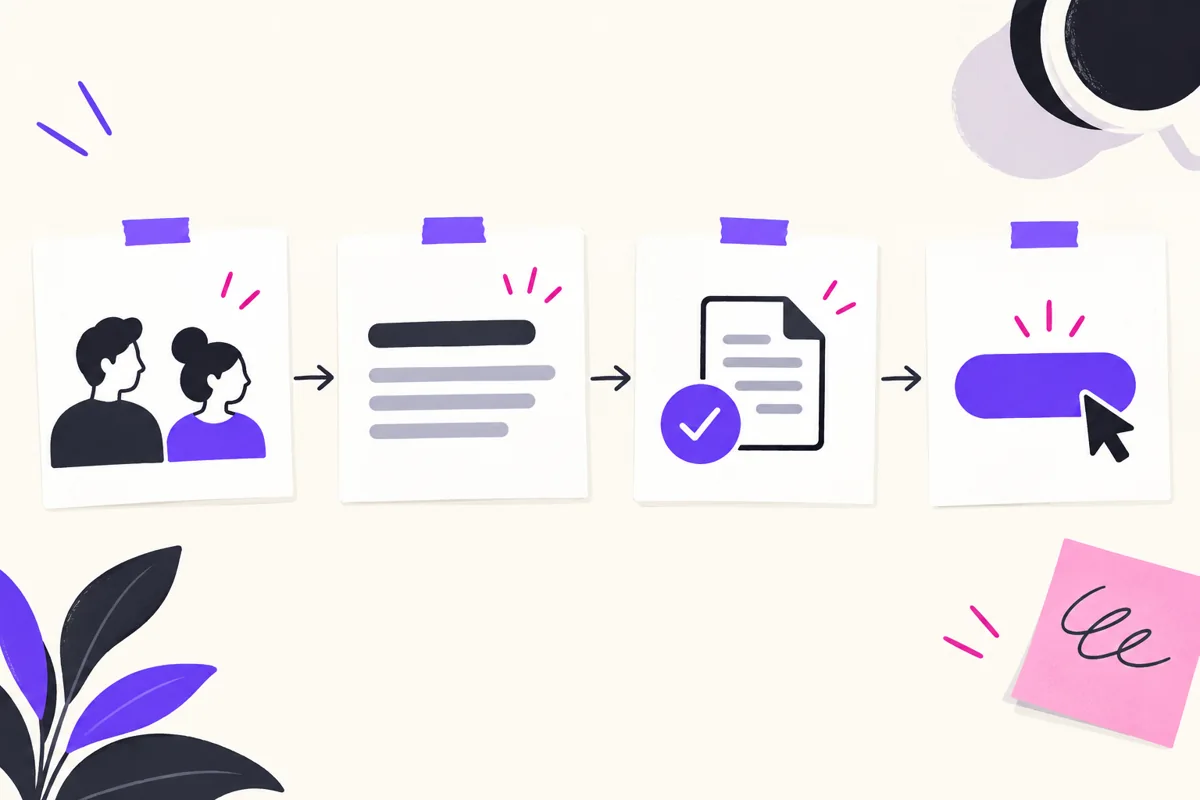
To write an email with ChatGPT, state the purpose, provide the facts and ask for a draft in the format you need. Review the recipients, commitments, dates, links and tone before sending. Drafting assistance does not guarantee replies, revenue or an error-free message.
The same method works for a project update, customer response or marketing draft, but the source material and review requirements differ. Start with the actual communication task.
1. Describe the result and audience
OpenAI’s current prompting guidance recommends describing the desired result and adding relevant audience, format and source context. You can then refine the draft with specific follow-up instructions.
Say whether you need a request, explanation, follow-up or announcement. Specify the reader’s relationship to you and the action you want them to take. Include a length constraint when it helps.
2. Supply facts, not invented personalization
Provide the actual decisions, product details and dates that belong in the message. Use only information you are authorized to share. Remove unnecessary private material from examples.
Ask the draft to flag missing facts rather than invent them. Do not imply the recipient visited a page, experienced a problem or agreed to a proposal unless you know that is true.
3. Ask for a complete draft
Request a subject, greeting, short body and clear next step. Give the model any approved wording that must remain exact, such as offer terms or a deadline.
Draft a short project follow-up email to our operations team. Use these verified decisions: the checklist review is due Friday; Maya owns the technical review; I own publication. Put the next steps first. Do not add dates or commitments that are not in these notes. Flag missing information.
This is an original prompt example. Replace its fictional context with your actual approved information before using it.
4. Review the message before sending
- Facts: are names, dates, amounts and product details correct?
- Commitments: did the draft promise something you did not authorize?
- Links: do they go to the intended destination?
- Tone: does the wording suit the relationship and situation?
- Action: can the reader tell what happens next?
Read the final email in the actual mail editor. Check formatting on mobile and confirm the intended recipients and attachments. Treat sending as a separate approved step.
5. Refine the specific problem
If the opening is vague, ask for a more direct version. If the message repeats a claim, ask to shorten it while preserving the facts and qualifications. Compare the revision with the original rather than assuming a cleaner sentence is more accurate.
For example: “Keep the three approved action items, remove repetition and make the request clear in the first paragraph.” Specific feedback helps preserve the purpose.
Original marketing example: a useful next step
A hypothetical MarketPulse message might explain that intent-data plans start at $250/month and invite the reader to review available topic information on the MarketPulse product page.
The draft should not call every identified record a ready-to-buy customer or imply the starting price covers all BrandWell products. Include the actual selected offer and limitations where needed.
This example illustrates product accuracy, not a measured email result. Add genuine context that helps the reader, rather than an invented claim of familiarity.
Commercial email needs its own review
The FTC’s CAN-SPAM guide explains requirements for commercial email, including accurate sender information, nondeceptive subjects, a postal address and a working opt-out method. The rules are not limited to bulk messages or consumer audiences.
Check the relevant requirements for your recipients and program. Do not assume AI-generated copy establishes compliance or that a subject line alone determines whether a message is transactional.
Connect the approved work in BrandWell
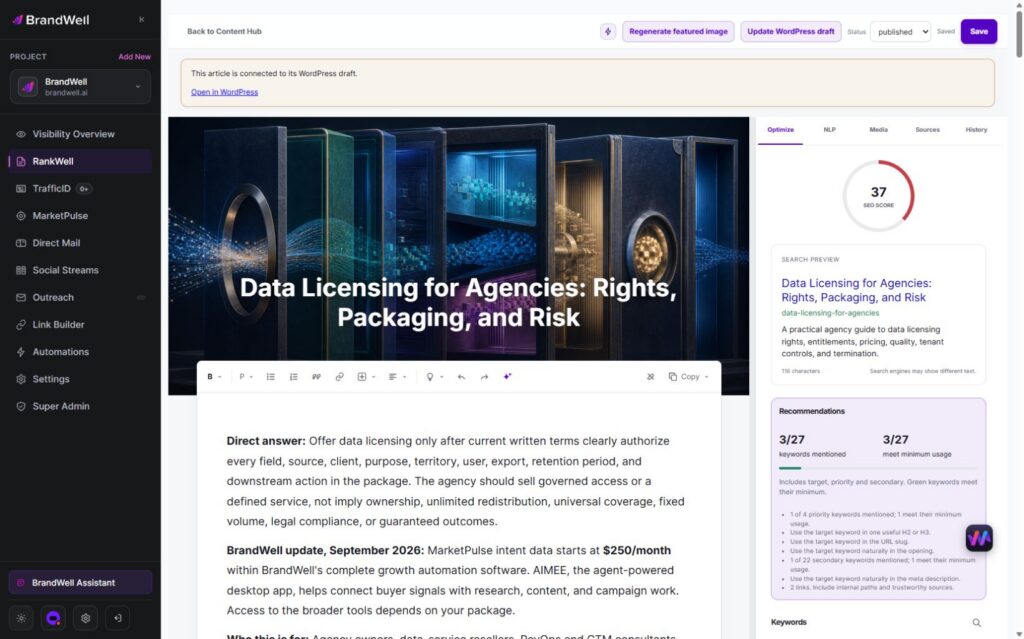
Use RankWell to develop the reviewed article or supporting resource referenced by a campaign. Verify the destination’s current product facts, sources and next step.

AIMEE helps prepare and carry approved work through connected tools. Configure access, the review owner and the intended destination. Do not assume a drafted email has been sent or that every connection is already configured.
Evaluate the outcome responsibly
For a personal or project message, check whether the recipient can understand and act on it. For a marketing test, define the reporting period and meaningful outcome before comparing variations.
Clicks, replies and purchases answer different questions. Validate tracking and avoid turning one small result into a universal promise about AI-written emails.
Common questions
Can ChatGPT draft professional emails?
Yes. Provide relevant context and review the result. A professional appearance does not establish factual accuracy.
Do I need a particular button or interface version?
No special control is required for this drafting method. Ask for a draft and refine it through follow-up instructions.
Should I let the draft invent missing details?
No. Ask it to flag the gap so you can supply the correct information.
Reviewed and updated October 2, 2026.

Written by
Julia McCoy has contributed articles to BrandWell on content marketing, writing, and search engine optimization. This archive retains her original bylines; individual articles may be updated by the BrandWell editorial team.

 Justin McGill

1 comments